Contents Index
Contents
27
Index
27
CUSTOMIZING TOUCH
Use the Bamboo control panel to customize the touch input options for the way you like to interact with
your tablet and computer.
Opening the control panel
Control panel overview
Customize your touch experience
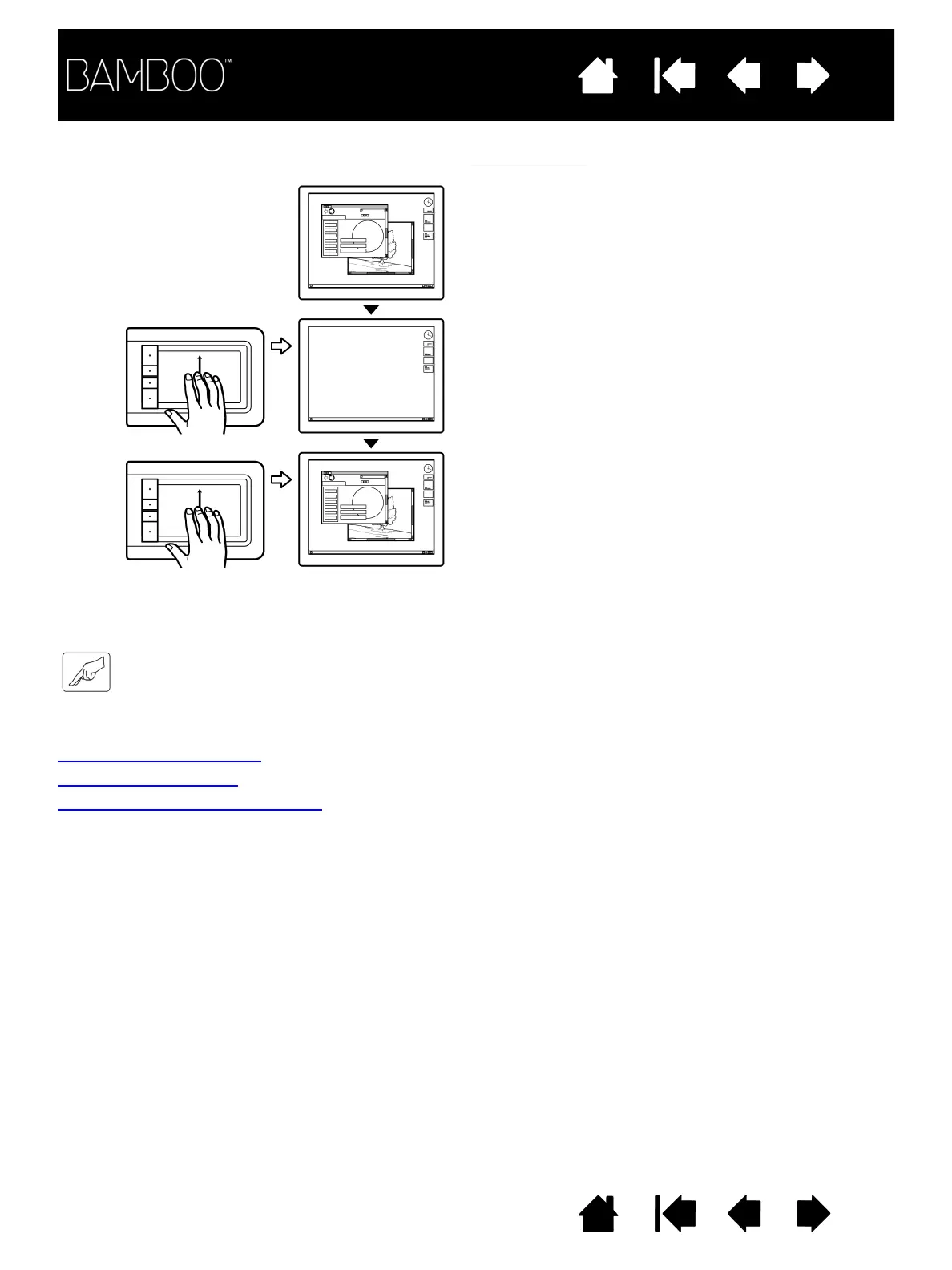
SWIPE UP TO SHOW DESKTOP Show Desktop
Using four fingers spaced slightly apart, swipe up to
show the desktop. Swipe up again to move your
open windows back to the desktop.















 To Next Page