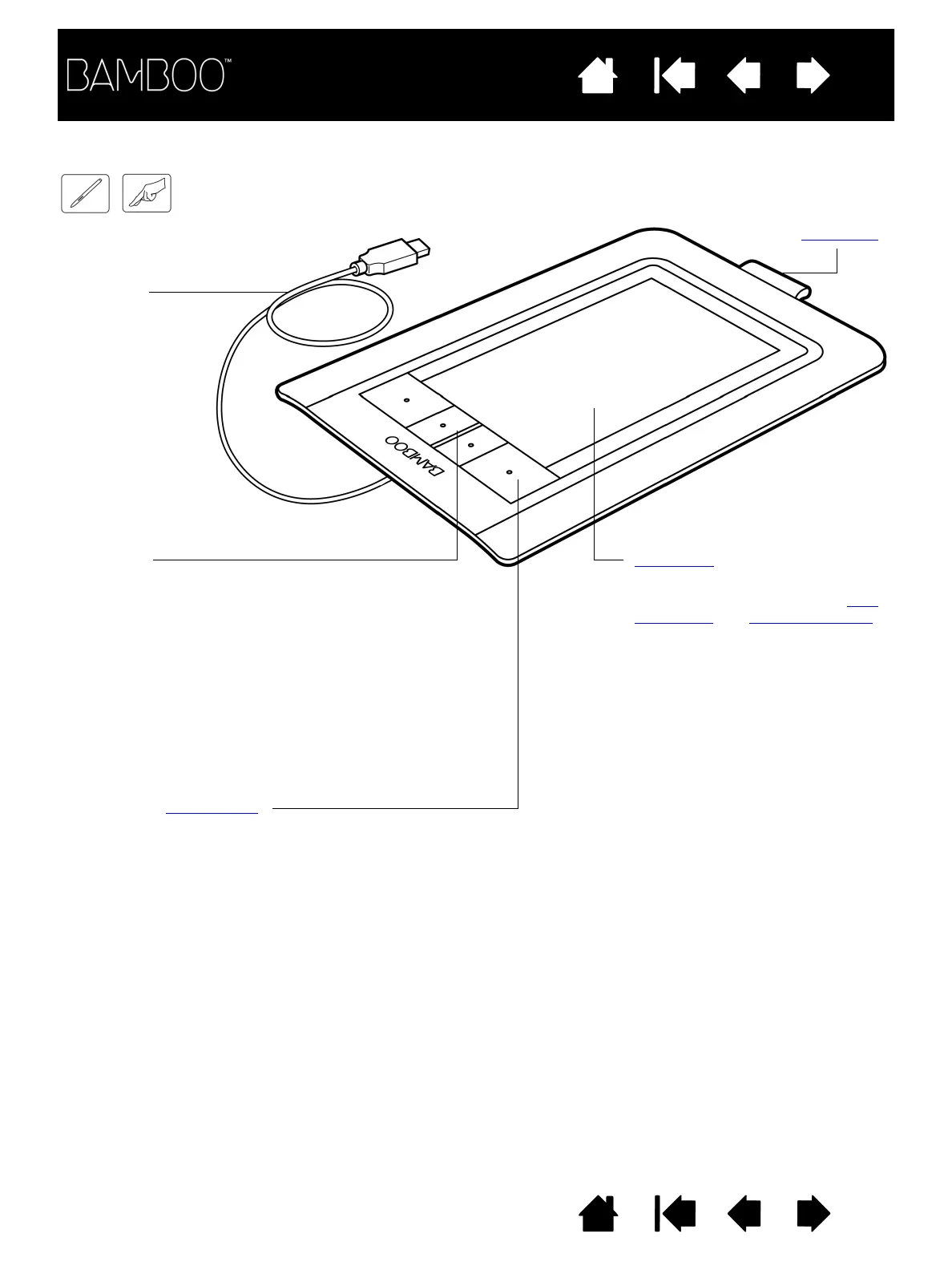
Active area
This is the active area for pen and
touch input. Learn about the pen
experience and touch experience
with Bamboo.
Customizable ExpressKeys
USB cable
Bamboo
(model CTH-460) shown.
Pen holder
Status LED
Glows white when your Bamboo
tablet is connected to an active
USB port. Brightens when you
touch the active area or press an
ExpressKey.
Glows amber when the pen is
active, and brightens when the pen
tip touches the tablet surface or
when you press a pen button.















 To Next Page