Contents Index
Contents
20
Index
20
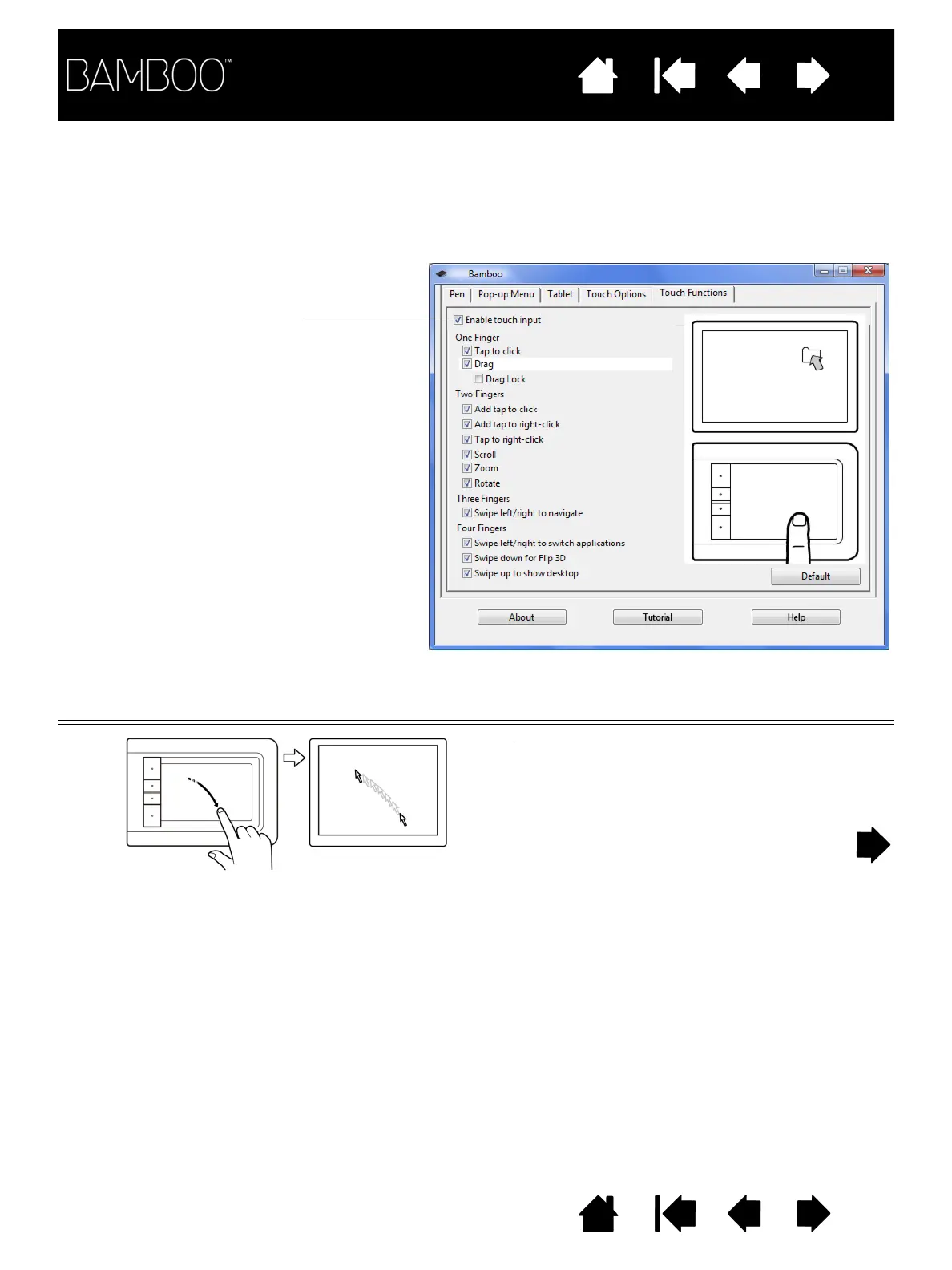
Touch input options can be enabled or disabled within the Bamboo control panel. Touch actions and
gestures are available when selected in the T
OUCH FUNCTIONS tab.
• Basic actions enable you to navigate and perform typical mouse operations.
• Gestures enable you to scroll, zoom, rotate, and perform other functions. Some gestures may provide
a visual cue on your display screen to indicate when the gesture has been recognized by your Bamboo.
ONE-FINGER ACTIONS
Track
Use a single finger to move the screen cursor.
Touch and slide your finger across the tablet surface.
Uncheck to disable touch input.















 To Next Page