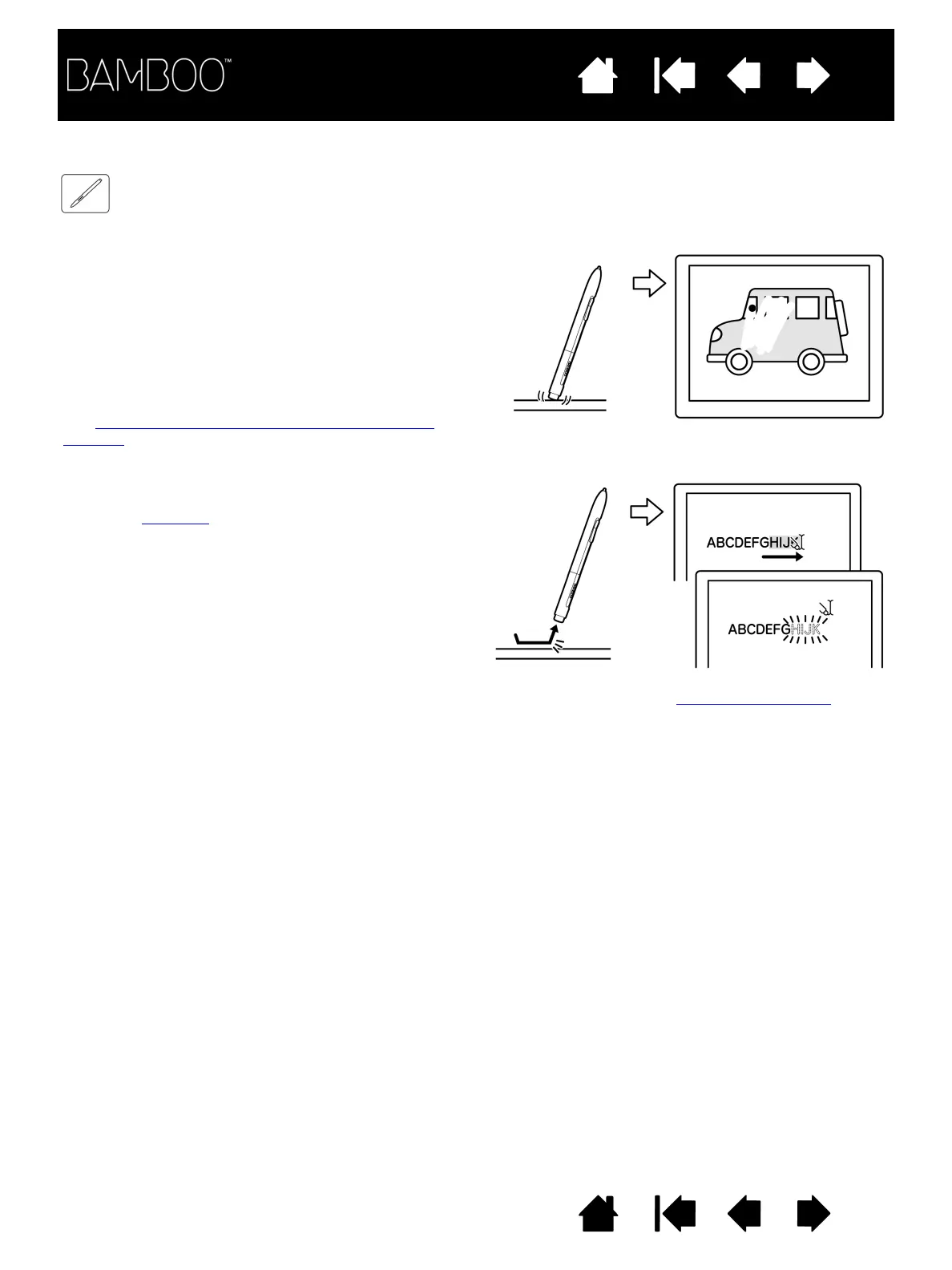
The pen eraser (when equipped) works like the eraser on a pencil.
). If the
annotation.
Use the pen eraser in Microsoft Windows 7, Vista,
and Office 2007 or later to erase notes or sketches
made with digital ink
, and to select and delete text
or spreadsheet cells within an application.
You can erase intuitively and naturally in graphics
applications that support the pen eraser. When you
use the pen eraser, the application will automatically
switch to the eraser tool.
In applications that support pressure sensitivity, you
can select pressure-sensitive tools in an
application’s tool palette to vary the width and
depth of your erasures as you change the amount of
pressure you exert upon the pen.
See setting the tip and eraser feel, and double-click
distance for more information.















 To Next Page