6
6
Index
Contents
Index
Contents
WORKING WITH BAMBOO
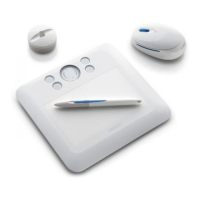
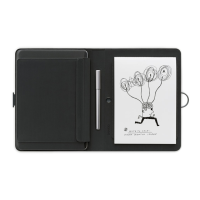
This section introduces you to the Bamboo pen tablet, which consists of two basic elements: a tablet that
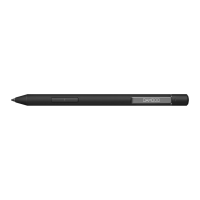
serves as your work area, and the Bamboo
pen you use on the tablet.
The quickest way to learn about your pen tablet is to become familiar with its appearance and features.
If you are new to using a pen tablet and tablet input tools, read the following sections to learn about the
Bamboo pen and pen tablet.
T
ablet features
Bamboo pen
Setting up your work area
Using the cordless pen
Working with the tablet
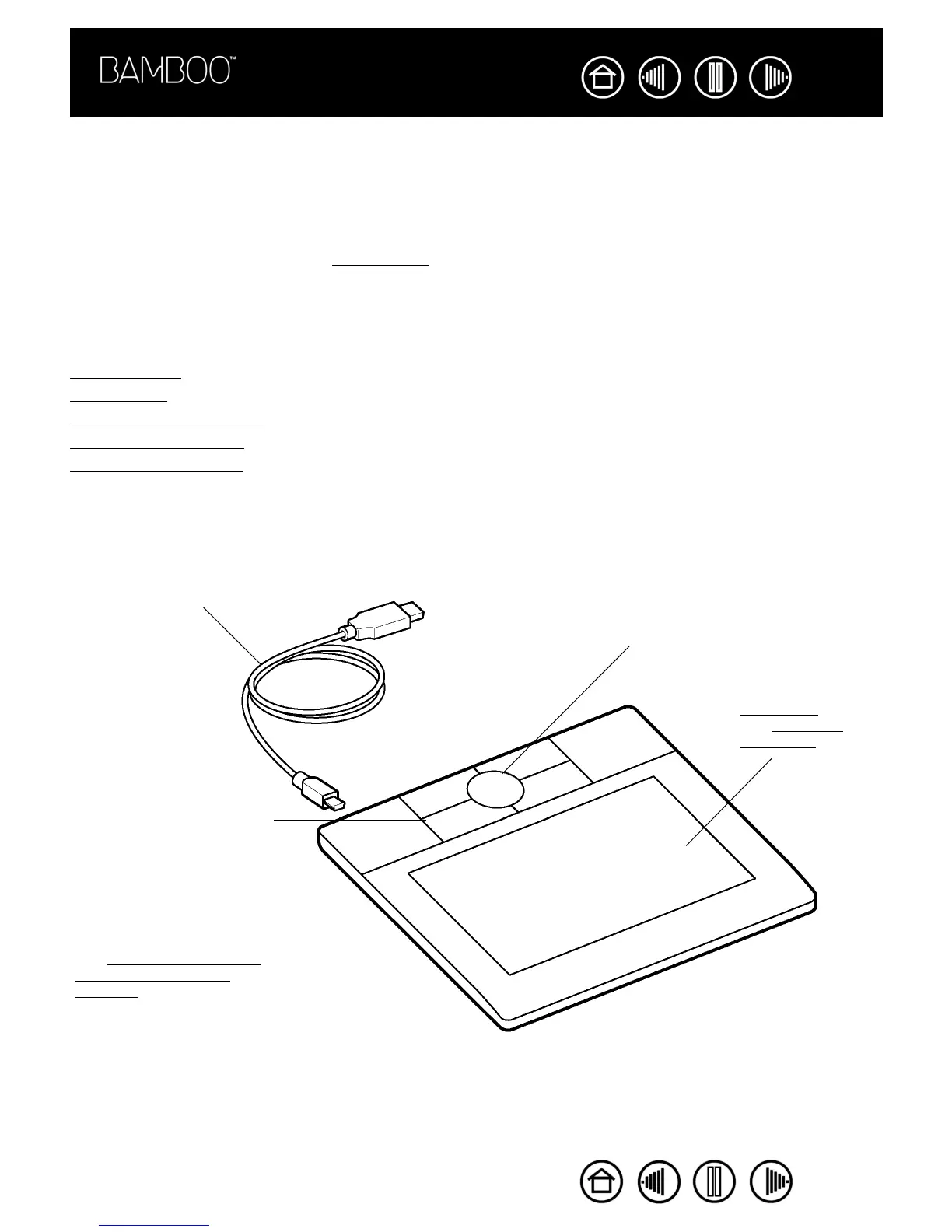
TABLET FEATURES
Active area.
See About the
active area.
Customizable ExpressKeys.
The ExpressKeys are backlit
and glow when the tablet power
is on.
See working with the tablet and
customizing the tablet
functions.
Detachable cable.
Customizable Touch Ring.










 To Next Page