Contents
Index
Contents
18
Index
18
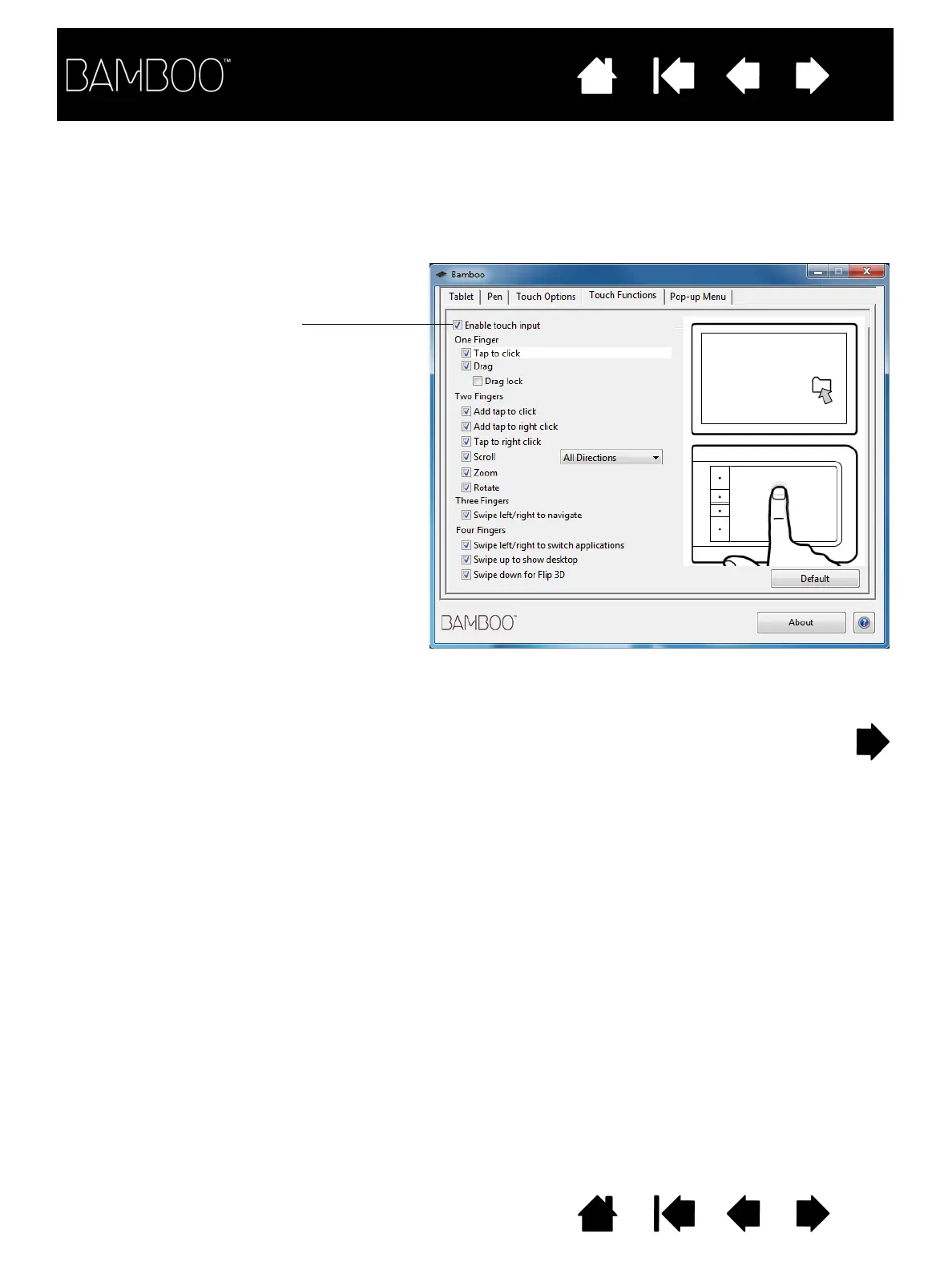
Touch input options can be enabled or disabled within the Bamboo control panel. Touch actions and
gestures are available when selected in the T
OUCH
F
UNCTIONS
tab.
• Basic actions enable you to navigate and perform typical mouse operations.
• Gestures enable you to scroll, zoom, rotate, and perform other functions. Some gestures may provide a
visual cue on your display screen to indicate when the gesture has been recognized by your Bamboo.
Uncheck to disable touch input.
Windows screen capture shown.
Available options may vary, depending
on your operating system and version.












 To Next Page