Contents
Index
Contents
19
Index
19
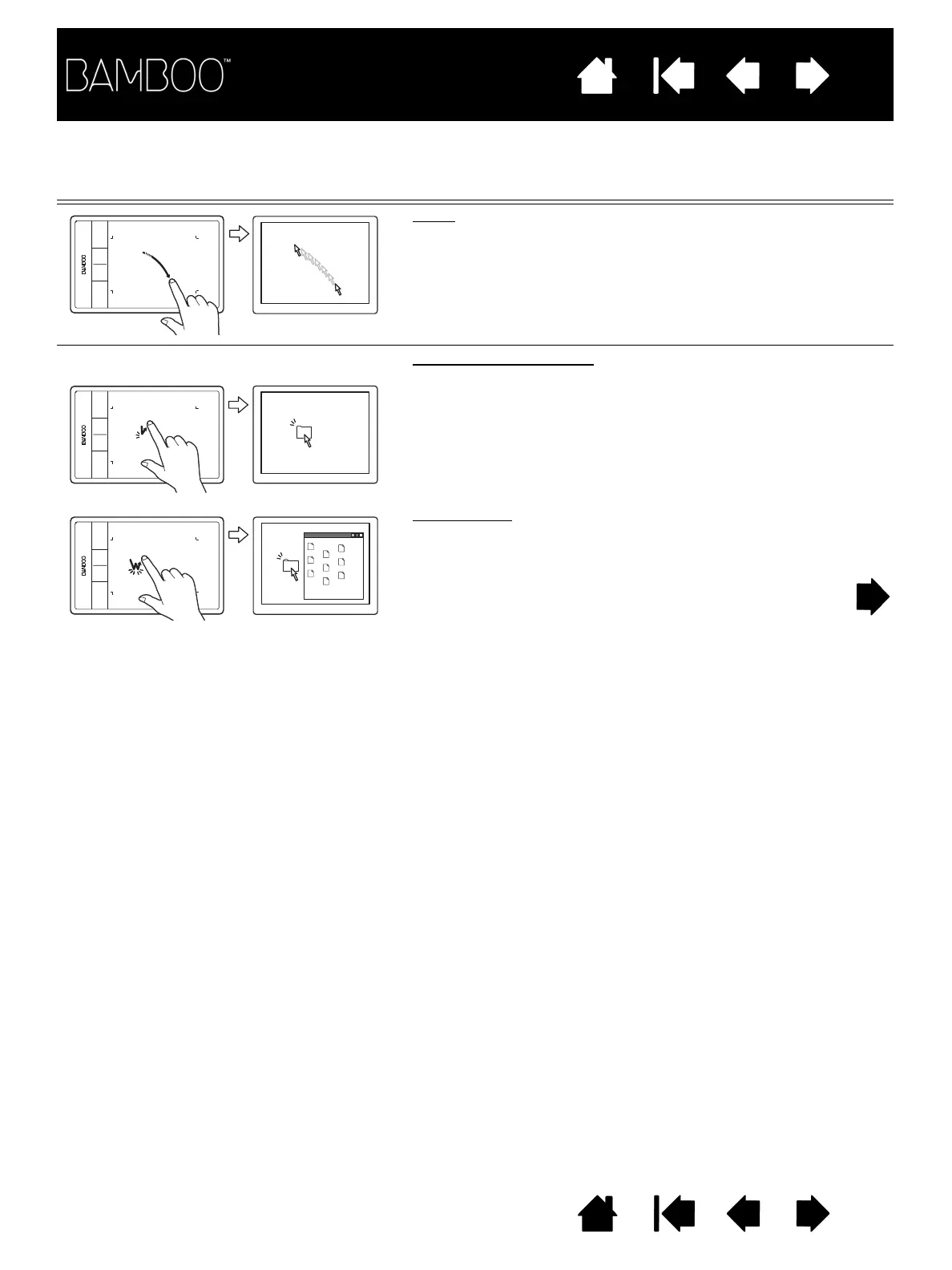
ONE-FINGER ACTIONS
Track
Use a single finger to move the screen cursor. Touch and
slide your finger across the tablet surface.
T
AP
TO
CLICK
Click (single-finger tap)
Using a single finger, track to an item. Lift your finger and
tap to select.
Alternatively, track to an item and then press an ExpressKey
set to C
LICK
.
Double-click
Using a single finger, track to an item. Lift your finger and
tap twice.












 To Next Page