36
Obtaining Technical Support
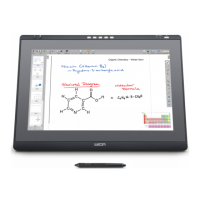
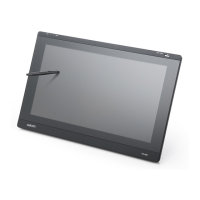
If you have a problem with DTI-520, first check the appropriate setup chapter in this
guide to make sure the unit is installed correctly. Then review the Troubleshooting
section within this manual and the online Help; your problem may be described there
and you can try the solution offered. You can also check the product FAQs (Frequently
Asked Questions) on the Wacom web site.
Asia
Tel: ++81-3-3371-1595 (English)
Fax: ++81-3-3371-1468 (English)
Email: asia-pacific@wacom.co.jp Sales and Support (English)
web site: http://ap.wacom.co.jp (English)
Support Staff
If you think your DTI-520 Interactive Pen Display is not working properly, contact the
Wacom authorized distributors in your area (Check your area distributor on the Wacom
web site: http://ap.wacom.co.jp ), or contact us as the following:





 To Next Page