43
Index
Contents
43
Index
Contents
CUSTOMIZING THE TABLET FUNCTIONS
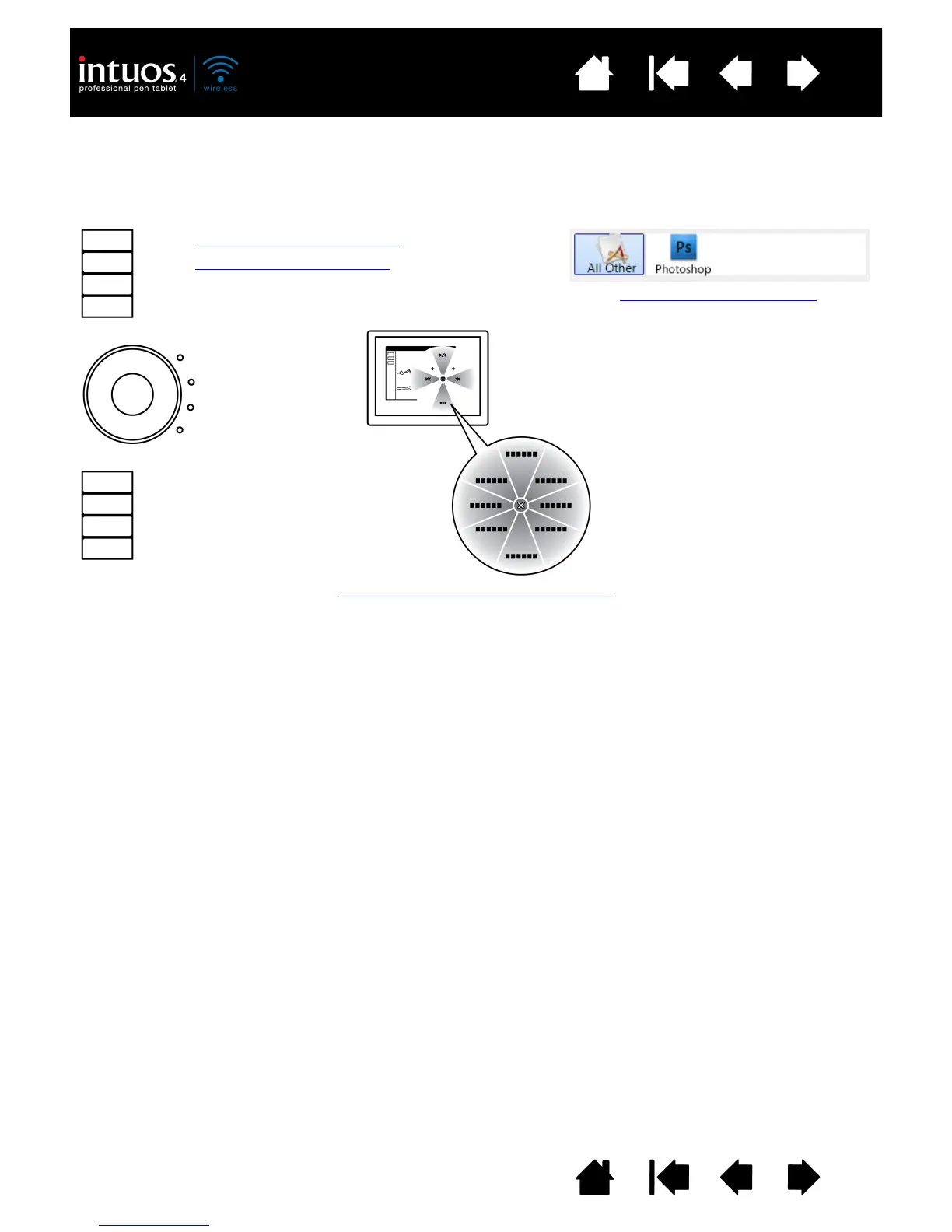
To customize the ExpressKeys, Touch Ring, and other tablet features, open the Wacom Tablet control panel
and select the F
UNCTIONS icon in the TOOL list. Select a tab to customize, and change settings using the
available options.
Using and customizing the Radial Menu
Application-specific settings
Customizing the ExpressKeys
Customizing the Touch Ring












 To Next Page