Basic Operation
Pulse 2 User Manual 14
Basic Operation
Switching on / off
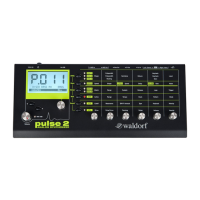
The Pulse 2 is equipped with a Power switch 8. Flick
it to switch on the Pulse 2. The display a is lit and
shows the installed firmware version. After that, the
Pulse 2 is ready for some action. Flick the Power
switch again to switch off the Pulse 2.
m Don´t forget to save an edited sound program,
before switching off the Pulse 2. Otherwise, your
edits are lost forever.
The Volume
The Volume dial d controls the Pulse 2 master volu-
me. The volume setting is global and affects the level of
the audio outputs 2 and the headphone output 1.
Selecting Sounds
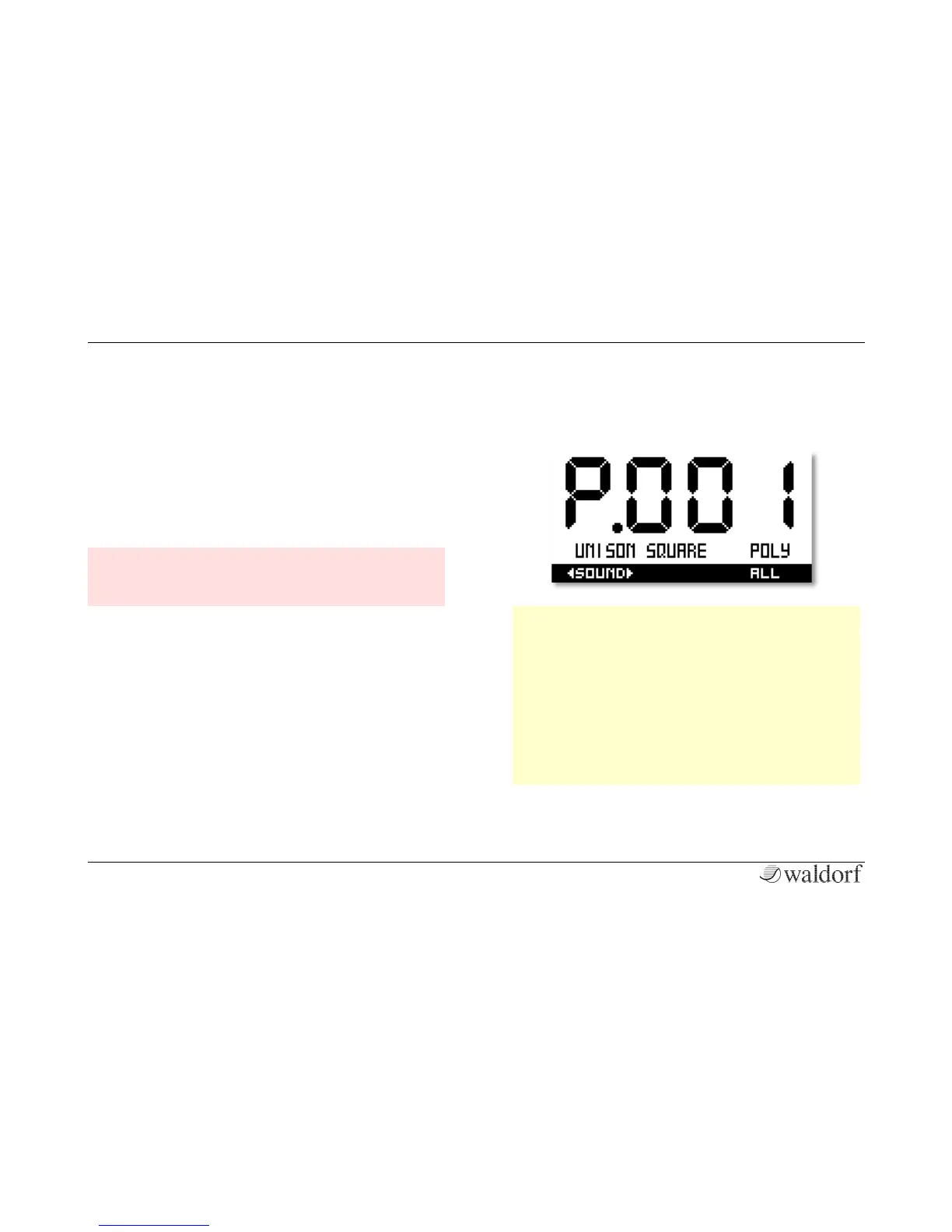
The Pulse 2 offers 500 sound programs. Use the
Selection dial b or the Selection buttons c to
select these sounds. Turning the dial clockwise or pres-
sing the right button increases the sound program num-
ber, turning the dial counterclockwise or pressing the
left button decreases it. When you are at the end of the
last sound program and turn the Selection dial further,
you will jump to sound program 001 again.
w Everytime you select sound program 500, the
Pulse 2 will automatically create a random sound
patch.
w If you turn the Selection dial b while pressing
the Shift button, you can select a desired sound
category (class), e.g. ARP or POLY. This is perfect
for a faster selection of sounds. To select all
sounds without limitation, you need to set Class
to ALL.


 To Next Page