Sound Parameter
39 Pulse 2 User Manual
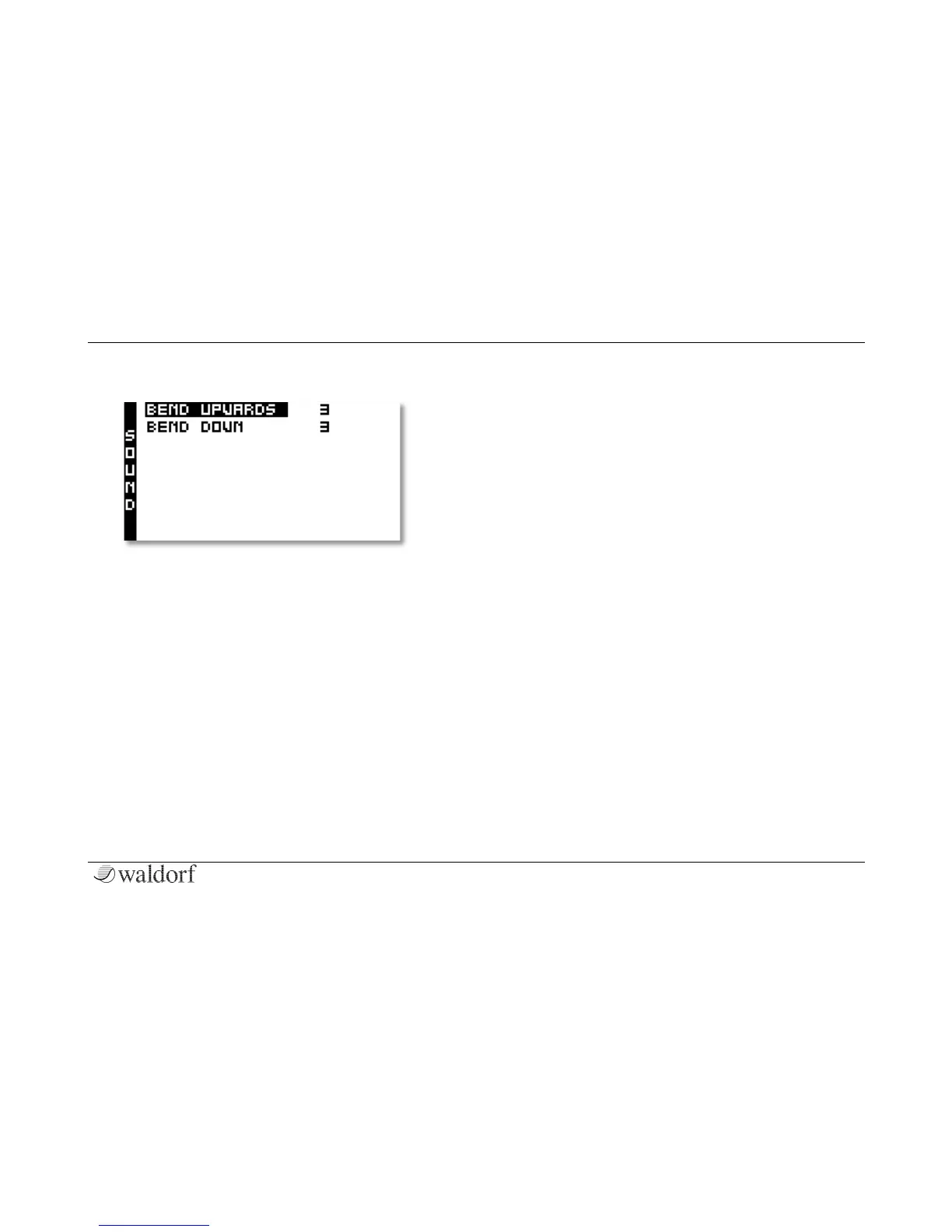
The Sound Menu
Here you will find additional parameters for the selected
sound program.
Hold the Shift button and press the Sound button to
access the Sound menu. Use the Selection buttons to
select the desired parameter, which can be edited with
the Selection dial.
Bend Upwards 0...36
Determines the intensity of the pitchbend via MIDI
Pitchbend messages in semitones for the selected oscil-
lator, when it will be moved upwards.
Bend Down 0...36
Determines the intensity of the pitchbend via MIDI
Pitchbend messages in semitones for the selected oscil-
lator, when it will be moved downwards.



 To Next Page