Sound Parameter
37 Pulse 2 User Manual
Drive Curve Diverse
Determines the character of the drive. The following
drive curves are available:
• NONE deactivates the drive curve.
• TUBE generates a warm and vintage sound with an
asymetrical distortion.
• FUZZ generates a hard and noisy symmetrical
distortion.
Panning L64...CNT...R63
Determines the position in the stereo panorama. When
the setting is L64, the sound is panned far left; when the
setting is R63, it is panned far right. If you want to situa-
te the sound in the middle of the stereo panorama, use
the CNT setting. To give further movement to the sound,
set this parameter to a basic value and apply some mo-
dulation to it via a LFO.
Noise 0...127
Volume of the noise generator.
Volume 0…127
Determines the overall volume of the sound program.
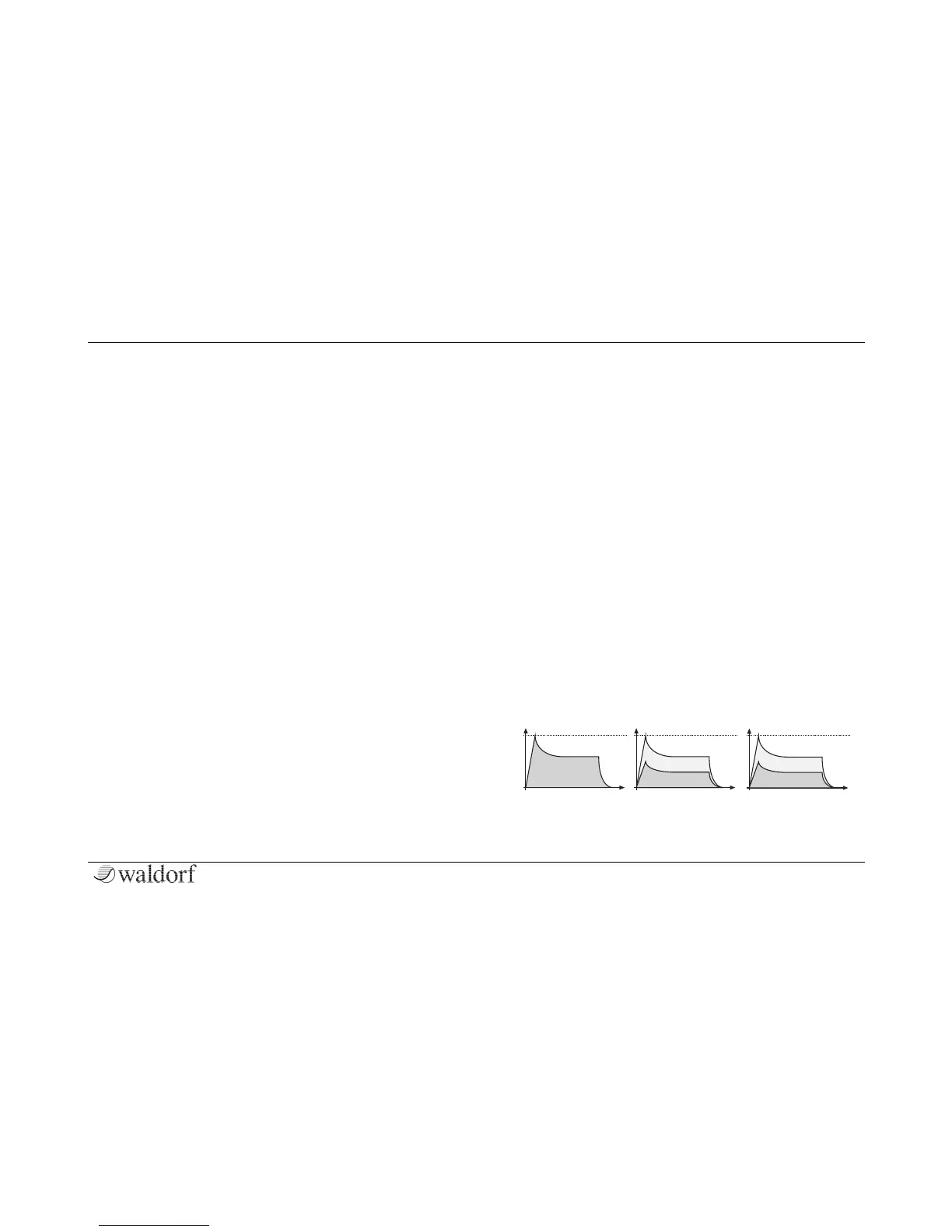
Velocity -64…+63
Specifies how much volume will be affected by key-
board velocity. Use this feature to give more expression
to the sound. With a setting of 0, velocity will have no
effect on the volume. Classic organs work in this way
because they do not have dynamic response. For positi-
ve settings, the volume rises with higher velocities. This
is the most commonly used setting, which gives a piano-
like character. With negative settings, the volume de-
creases at higher velocities. This gives an atypical cha-
racter suitable for effect sounds. As the Amplifier always
works in conjunction with the Amplifier Envelope, this
parameter actually determines the envelope velocity
amount. The following picture illustrates this functionali-
ty:



 To Next Page