11
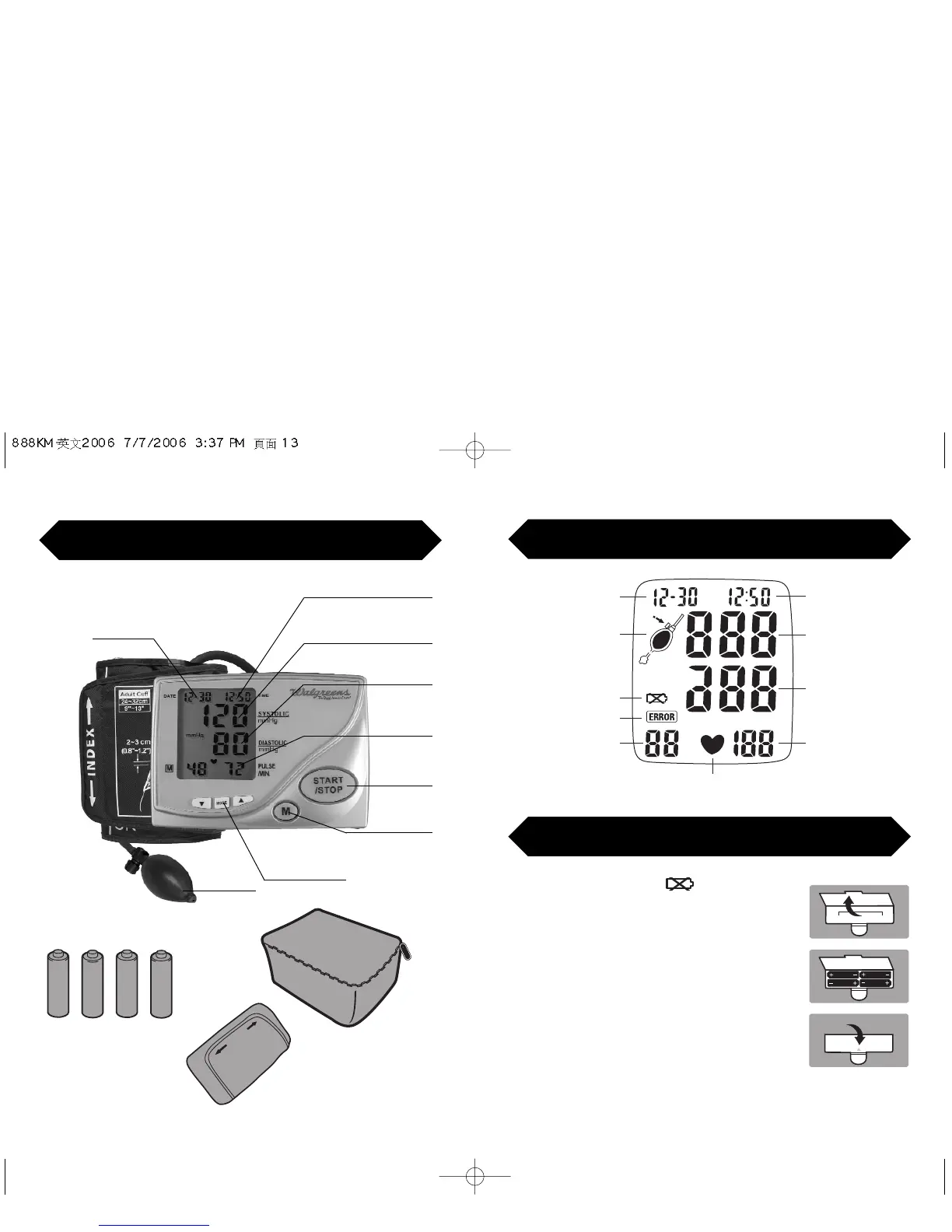
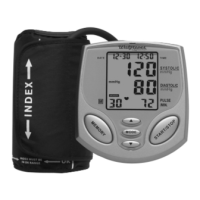
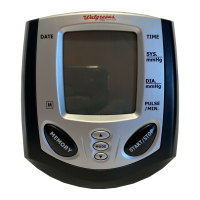
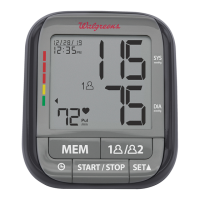
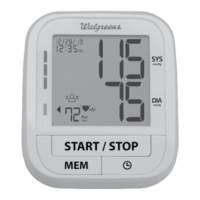
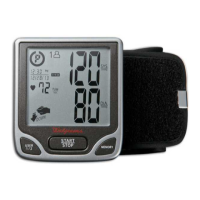
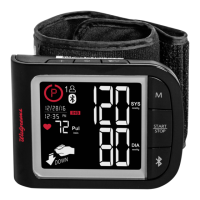
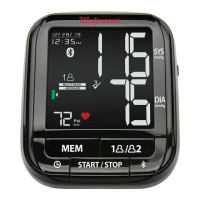
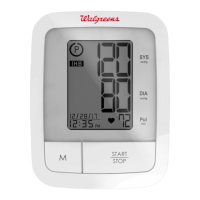
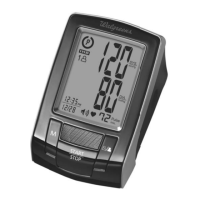
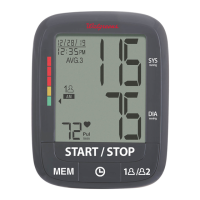
Digital Display Symbols
When the display shows , it’s time to
replace the batteries. This monitor uses 4 AA
batteries.
Insert the batteries into the monitor making
certain to align the polarities correctly.
Close the battery cover securely. It will snap
into place when it is fully closed.
* It’s a good idea to remove the batteries if you know you will not
be using your monitor for an extended amount of time.
Battery Installation
Measuring Symbol
Flashes During Measurement
Hour/Minute
Systolic Display
Diastolic Display
Pulse Display
Month/Day
Replace Battery
Error Symbol
Memory Display


 To Next Page