14
www.WalkinPets.com
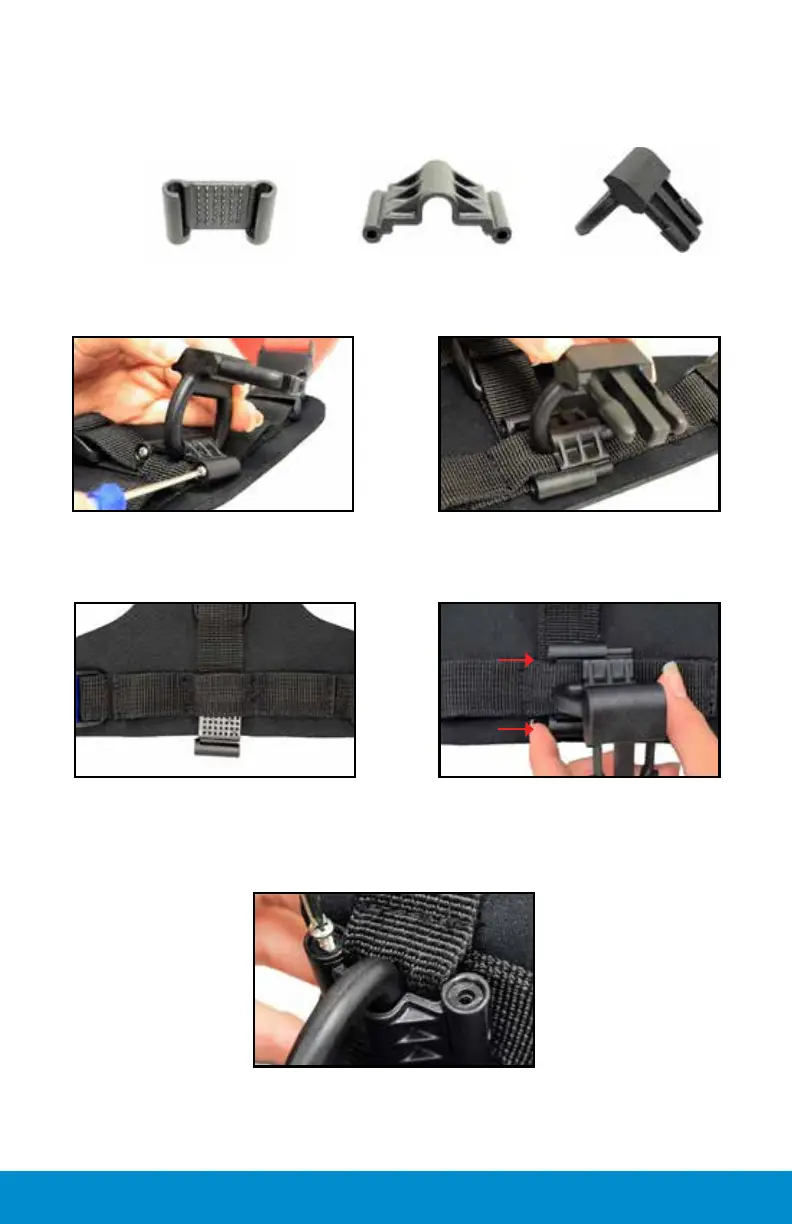
Side view
(B) Top of
Slide Clip
(C) D-Ring
Step 1: Remove (2) screws
from (B) top Slide Clip
Parts:
Step 3: Remove (A) bottom
piece from middle pocket and
replace into desired pocket
Step 5: Replace screws (2) on
opposite side of entry point
Step 4: Connect (C) D-Ring
to (B) top piece and slide into
(A) bottom piece
screws
Step 2: Push out (B) top piece
which holds (C) D-Ring
Before starting, observe which direction the prongs are facing on the
D-Ring. They should always face the rear end of dog.


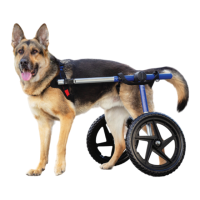
 To Next Page