10
Status lights
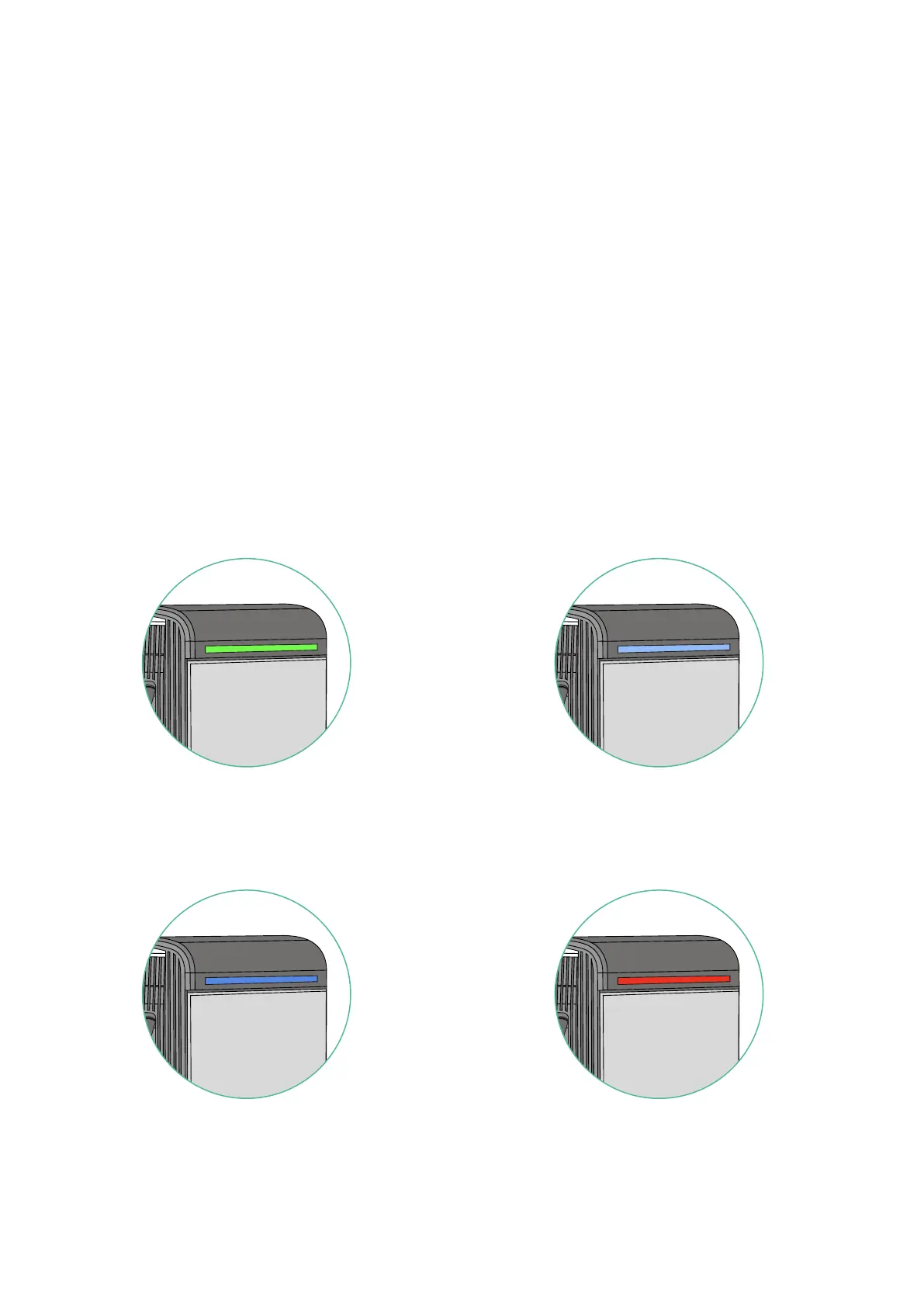
Supernova comes with three status lights that help you recognize its
current status. There is a wide LED light at top of the charger (referred
to as “beacon”), and one on each of the two EV guns holsters.
The colour coding has been designed to be intuitive and easily interpreted. For a more
detailed explanation of each colour’s meaning, please refer to the guide below.
USING SUPERNOVA
2.
1.
4.3.
Green - Ready: Supernova is
ready to be used.
Red - Error: Charger is deactivated
or under maintenance.
Blue - Charging: Charging
session is in progress.
Light Blue - Initialising: Charging
session is getting started.
Beacon Status Light



 To Next Page