13
Starting a charge
Before starting
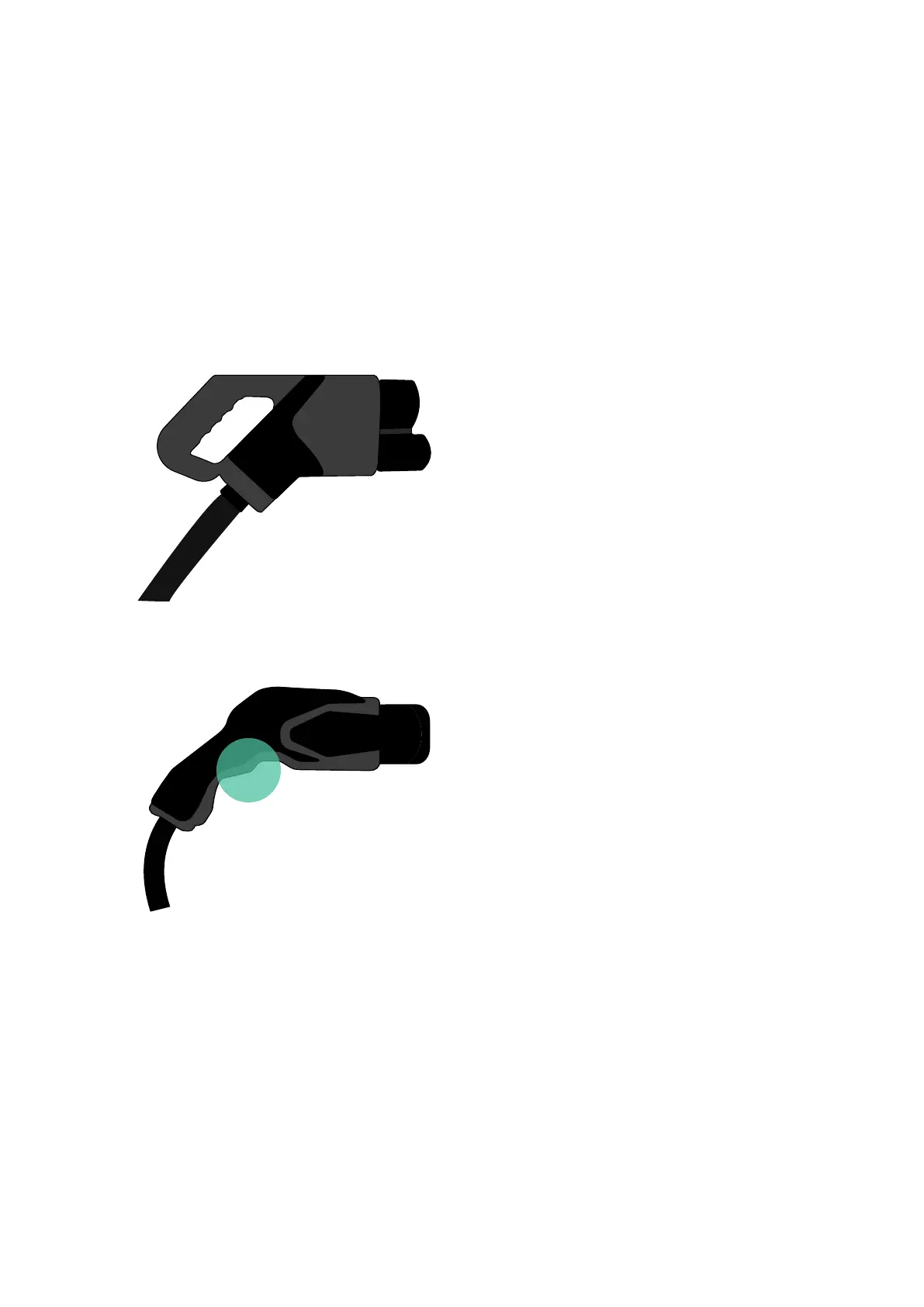
Supernova comes with two types of EV guns:
USING SUPERNOVA
1. Type CCS, marked with the
letter “K”, is located on the
left side of the charger. The
CCS gun is automatically
released/locked by its
holster or the vehicle.
2. Type CHAdeMO, marked
with the letter “M”, is located
at the charger’s right side.
The CHAdeMO has a
trigger that must be pulled
in order to release it from
its holster or the vehicle.
Both EV guns are locked by default. When a charge session is initiated, both EV
guns will unlock to allow the needed EV gun to be pulled out. Once the desired
EV gun is released from its holster, the remaining EV gun will re-lock.



 To Next Page