11
USING A SUPERNOVA
2.
1.
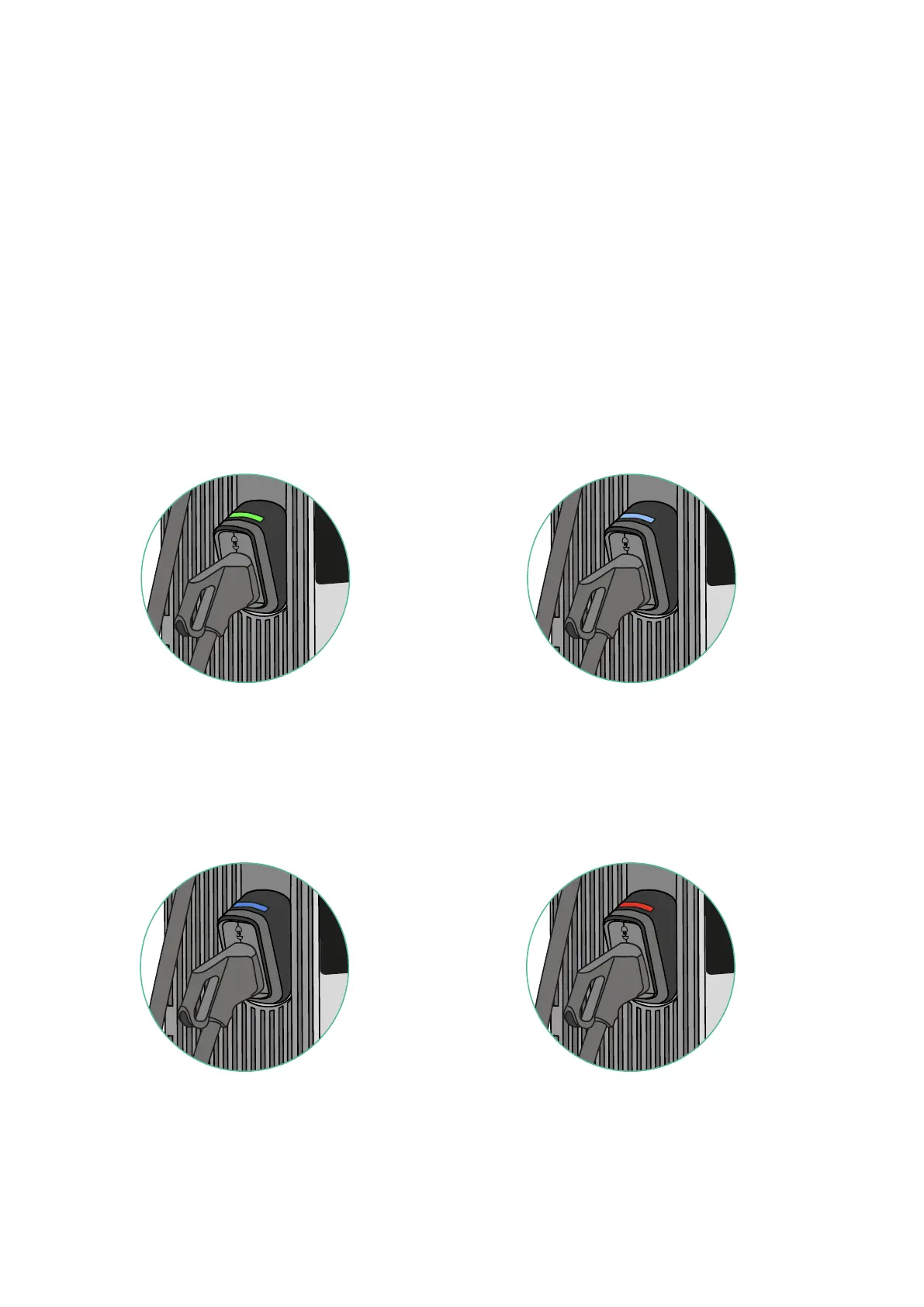
Green - Ready: EV gun is available. Light Blue - Ready to be used:
A charging session is being initiated
on the Supernova’s screen and the
EV gun is ready to be pulled out.
Holsters Status Light
Status lights
4.
3.
Blue - EV Charge in process:
EV gun is being used
to charge an EV.
Red - Out of service:
EV gun is under maintenance
or deactivated.



 To Next Page