16
Starting a charge
USING SUPERNOVA
4. Charging starts automatically after connecting the EV gun. The
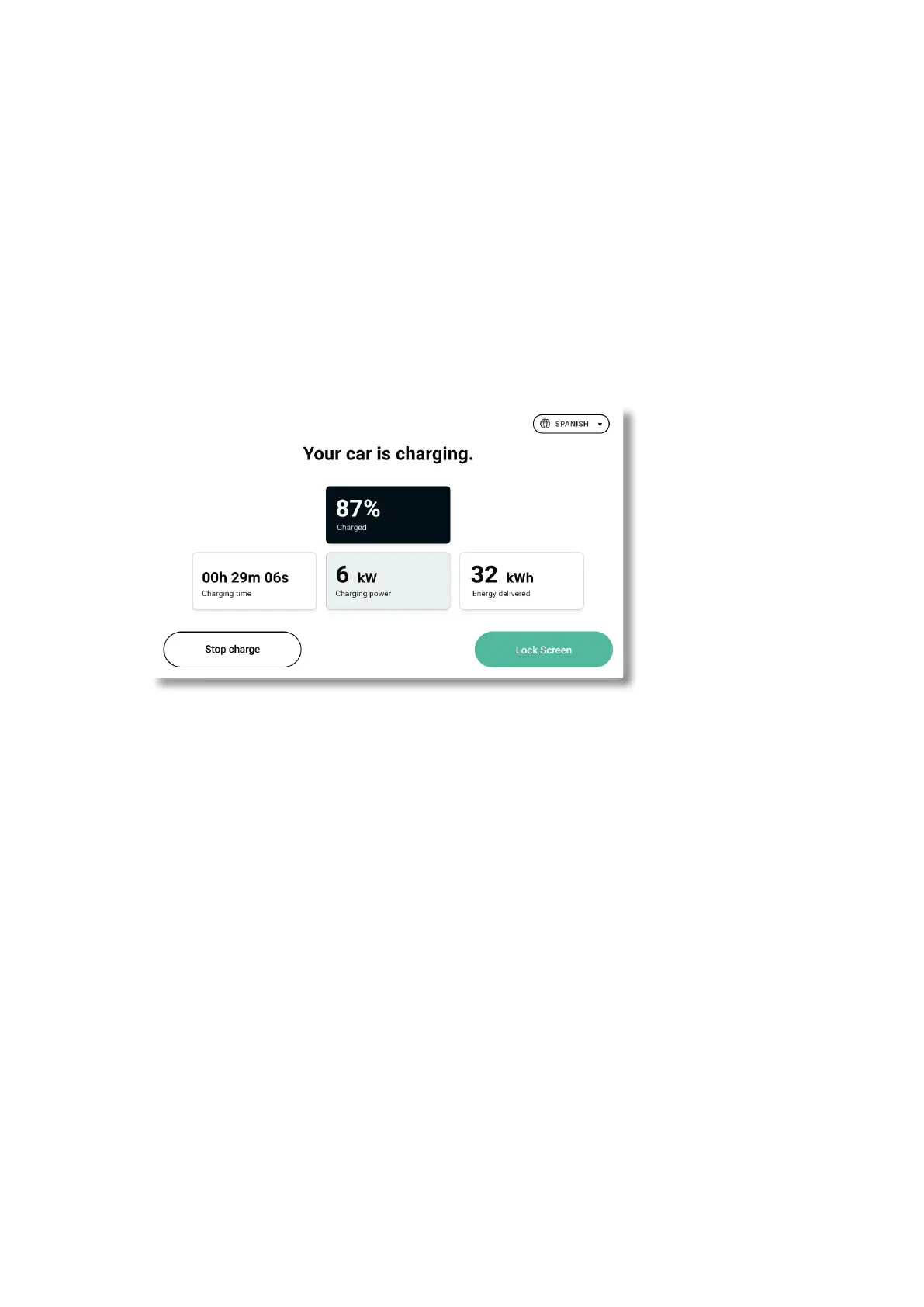
Supernova display gives you information in real time on the status
of the charge, you can also check this information via the operator’s app.
Detail of the information given in real time on the charging screen:
• “Charged”: the actual battery charge level of the vehicle.
• “Charging time”: the amount of time the charge session has been running for.
• “Charging power”: the current power the charging session is using.
• “Energy delivered”: the amount of energy that has been delivered to the charging
session until now.
*
* Lock screen button: press this button to lock the charger
screen. User will have to re-authenticate (via the app or RFID
card) to check charging info again, or stop charging.
A.



 To Next Page