Page 16
1.10 Setting CH flow temperature
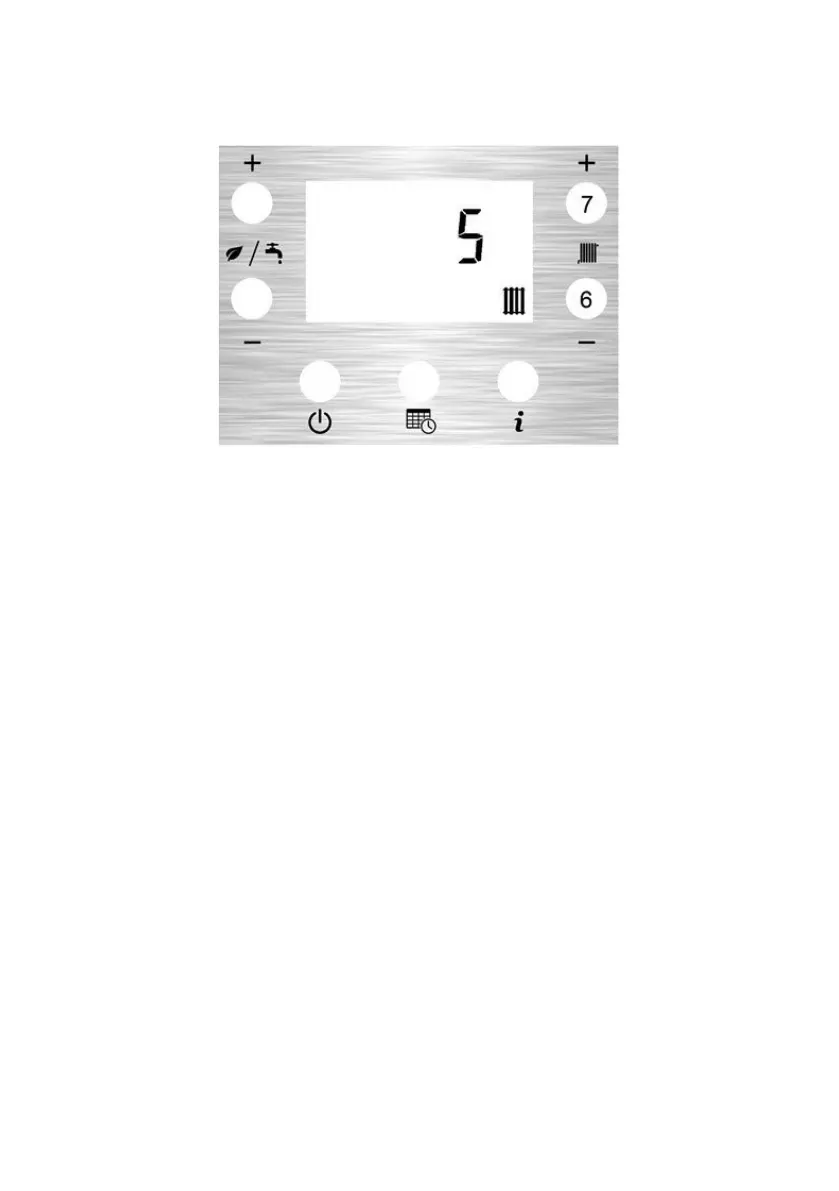
The CH Setpoint Menu is displayed when the CH+ button (7) or CH- button (6) are pressed
when the LCD is displaying the Home Screen.
The setpoint is adjustable from 1 (lowest) to 9 (highest). Nominally the central heating flow
temperature (at the boiler) will be 50°C at the lowest setting and 82°C at the highest setting.
The setting is saved 5 seconds after the last button press.



 To Next Page