16
1856
Preparation
Sort the wash according to the choices shown on
the control panel. Check washing tips on garment
labels.
Make sure all pockets are empty and zips are
closed.
Open drum door, load articles and close door.
Wash-program start
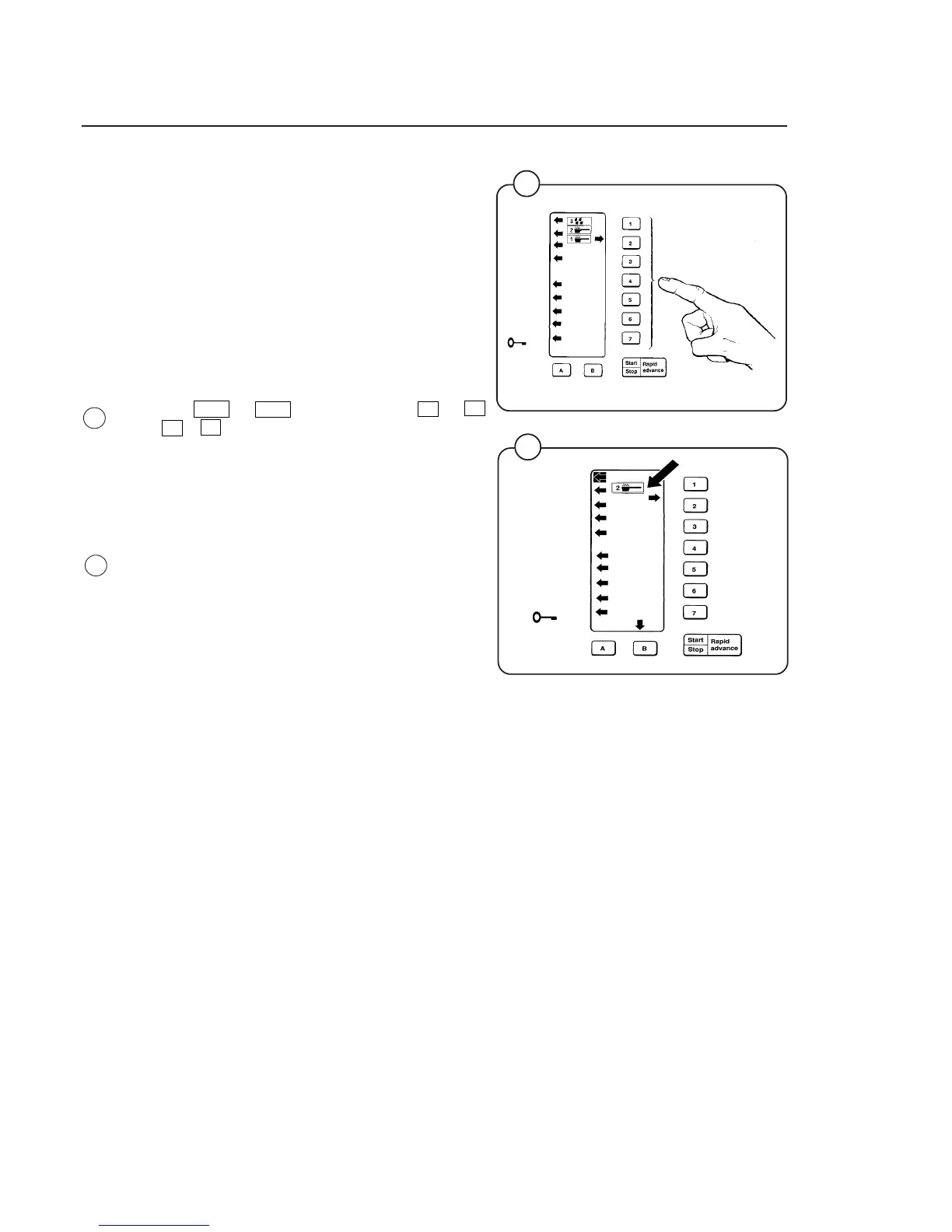
• Select wash program. Press correct number
button 1 → 7 and letter button A alt. B
or A + B.
An arrow to the right will light up to show se-
lection. The five lowest arrows to the left will
light to show the stages that will be passed
during the program.
• The five top arrows to the left will indicate which
of the supply pumps will be used during
operation. One window in the display will also
indicate that detergent will be used during the
wash program.
29
Fig.
29
Operating Instructions
1857
30
Fig.
30






 To Next Page