USE AND FUNCTIONING
4.2 WINDOWS EMBEDDED HANDHELD WELCOME WIZARD
In Windows Embedded Handheld, at the very first WDT60 startup, following a clean
boot or following a Registry restore to default values, the PDA startup (see par. 4.1)
is preceded by the Welcome Wizard.
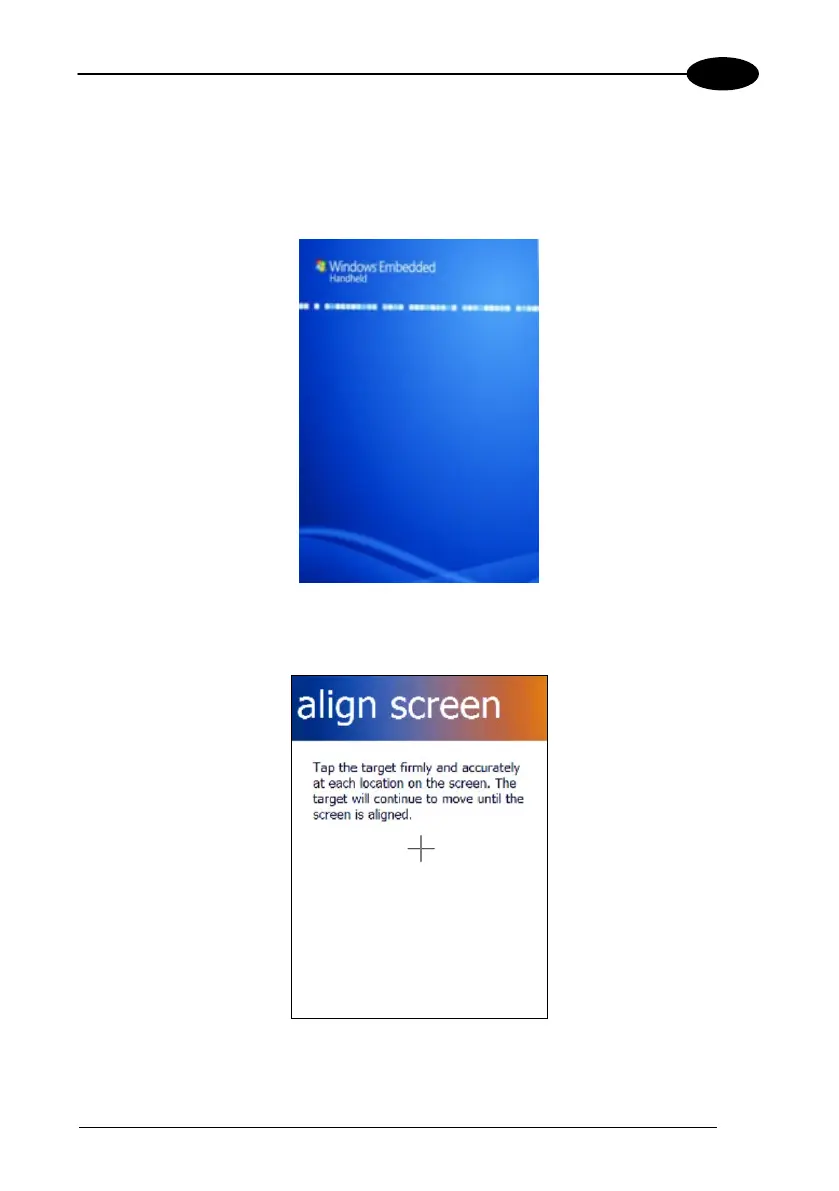
Welcome Wizard Screen
The Welcome Wizard allows the user to calibrate the touch screen (see par. 4.6.7).
Touch Screen Calibration Screen



 To Next Page