USE AND FUNCTIONING
4.8.3 Status Icons Options (Status Tab)
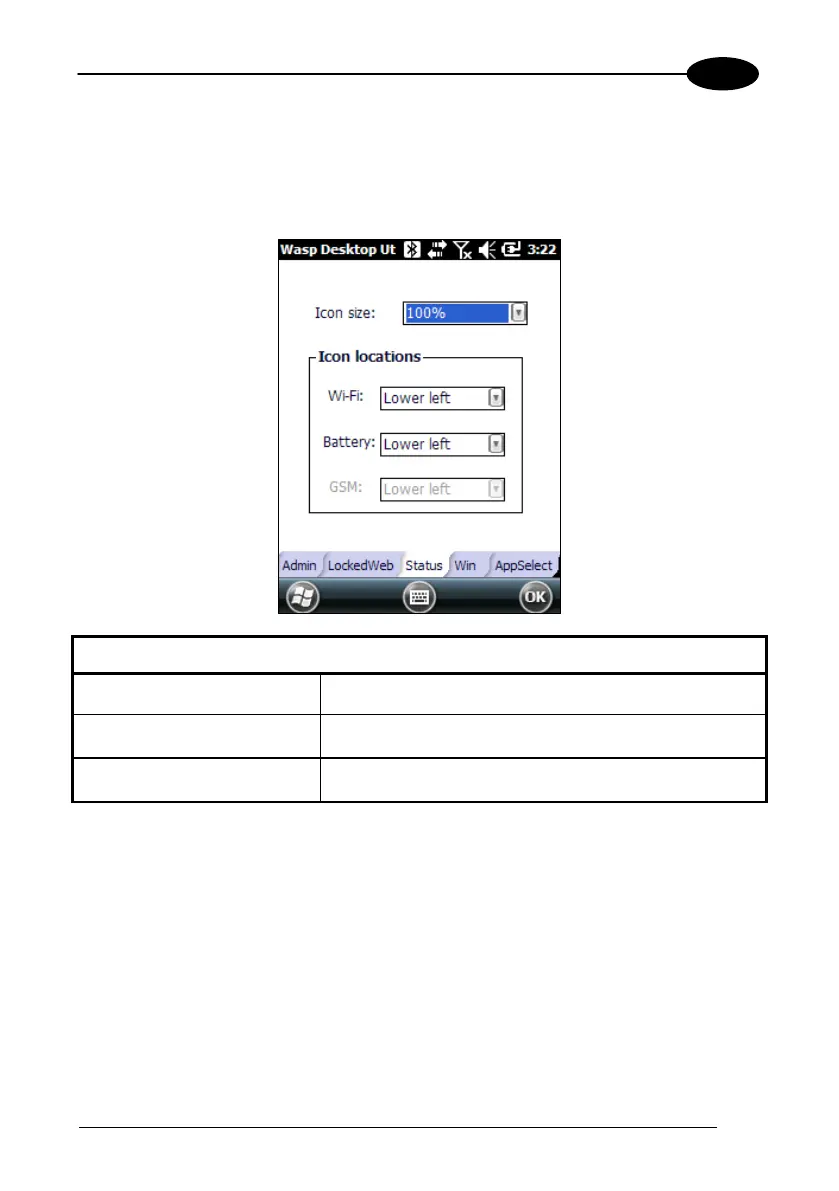
Tap the “Status” tab to access the Status Icons option. You can configure the view of
some status icons that are used in “WebAppLock” and in “Application Selector” to
display the status of: wi-fi radio and battery.
Status Icons Options
Set Status Icon Defaults Restores the status icons’ factory settings.
Icon Size Sets the status icons’ size.
Icon Location Selects the preferred location for each status icon.



 To Next Page