USE AND FUNCTIONING
4.10 LOCKED WEB BROWSER
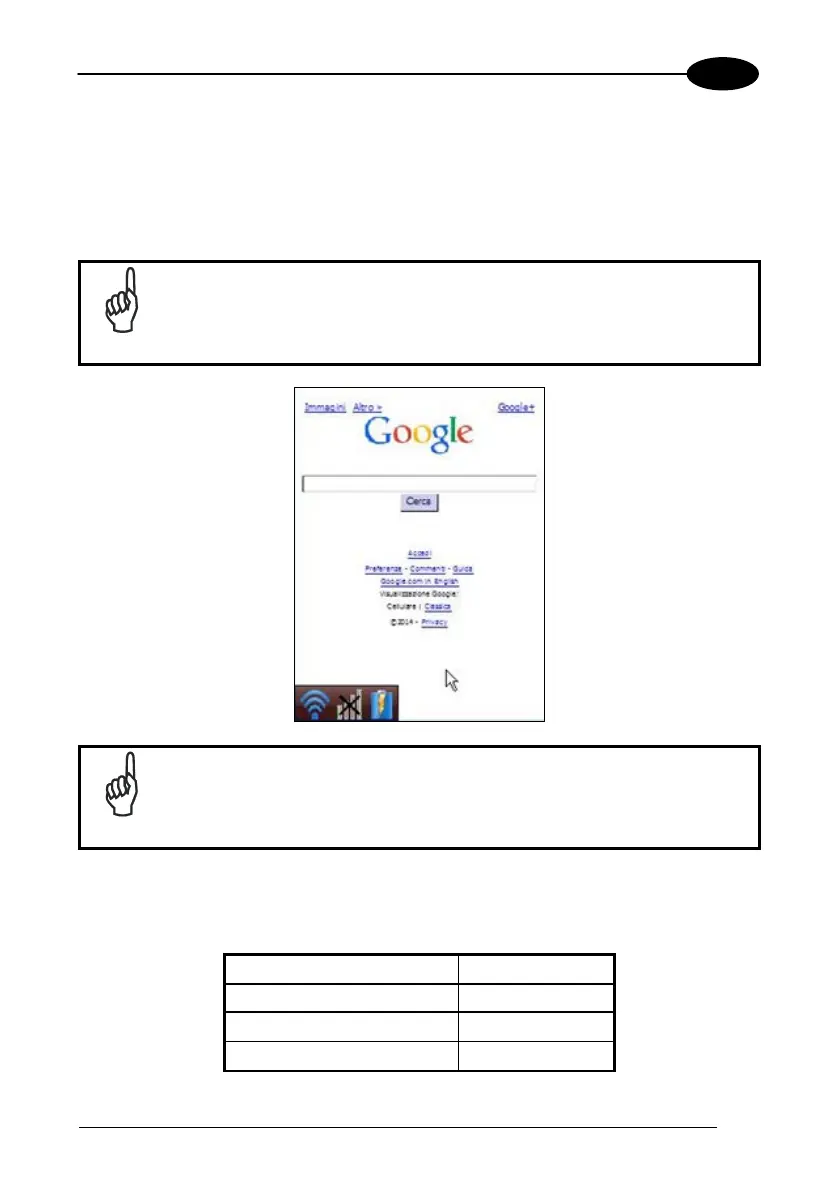
The Locked Web Browser is a web browser helper object for Internet Explorer. It
allows an administrator to define a restricted internet usage environment. Once in the
restricted environment, a password is required to exit. This means users can only
access web applications and websites set by the administrator.
Configuration is set up through the WDU control panel. See section
4.8.2 for more information.
NOTE
Zoom In and Zoom Out will only affect screen text and not bitmaps.
NOTE
If the taskbar has been disabled, the Settings menu is not displayed. However, the
user can still navigate within the web application by using the following keyboard
shortcuts:



 To Next Page