1 WDT60™
4.6.7 Stylus Calibration
You might need to recalibrate the touch screen (i.e. when you attempt to select one
item with the stylus, another item is erroneously selected).
To recalibrate the touch screen, complete the following steps:
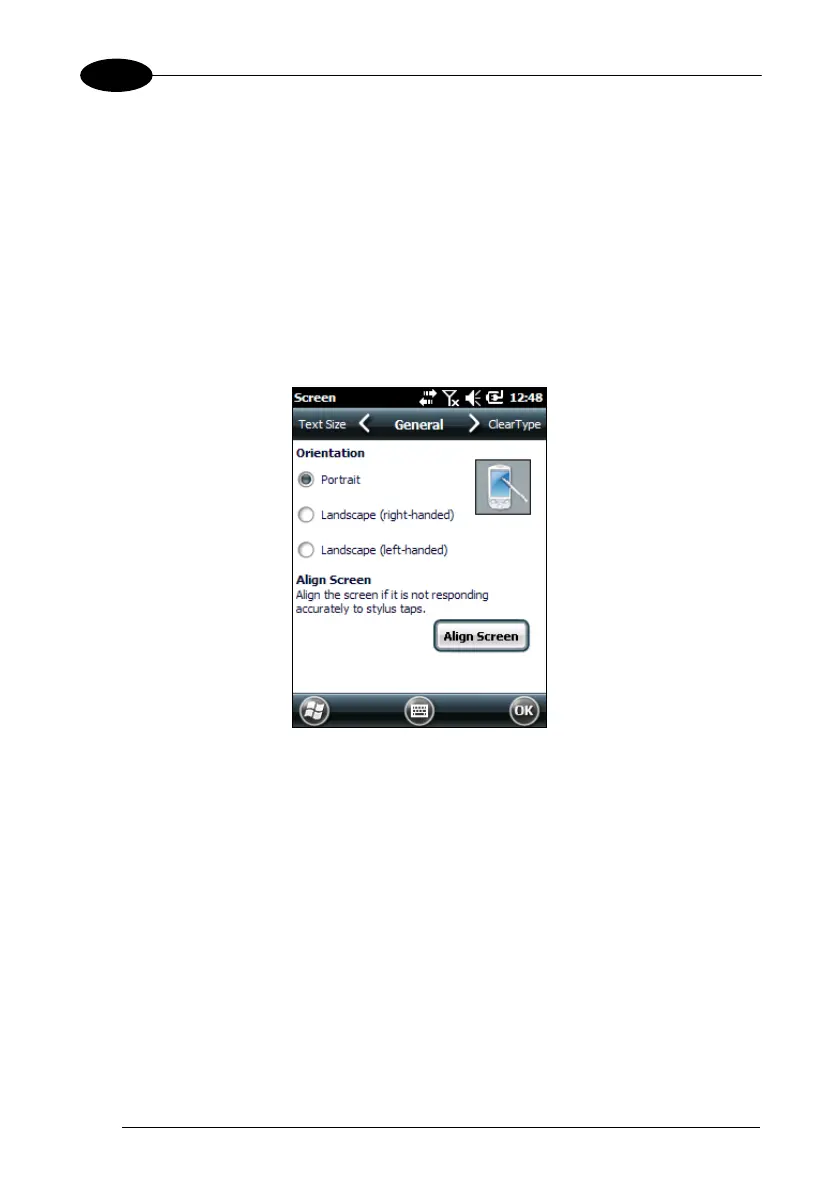
1. Select Start > Settings > System > Screen to open the Screen
Settings.
2. Tap Align Screen to open the Calibration screen shown in the figure below:
3. Carefully press and briefly hold stylus on the center of the target. Repeat as the
target moves around the screen.
4. New calibration settings are persistently saved in Registry.



 To Next Page