1 WDT60™
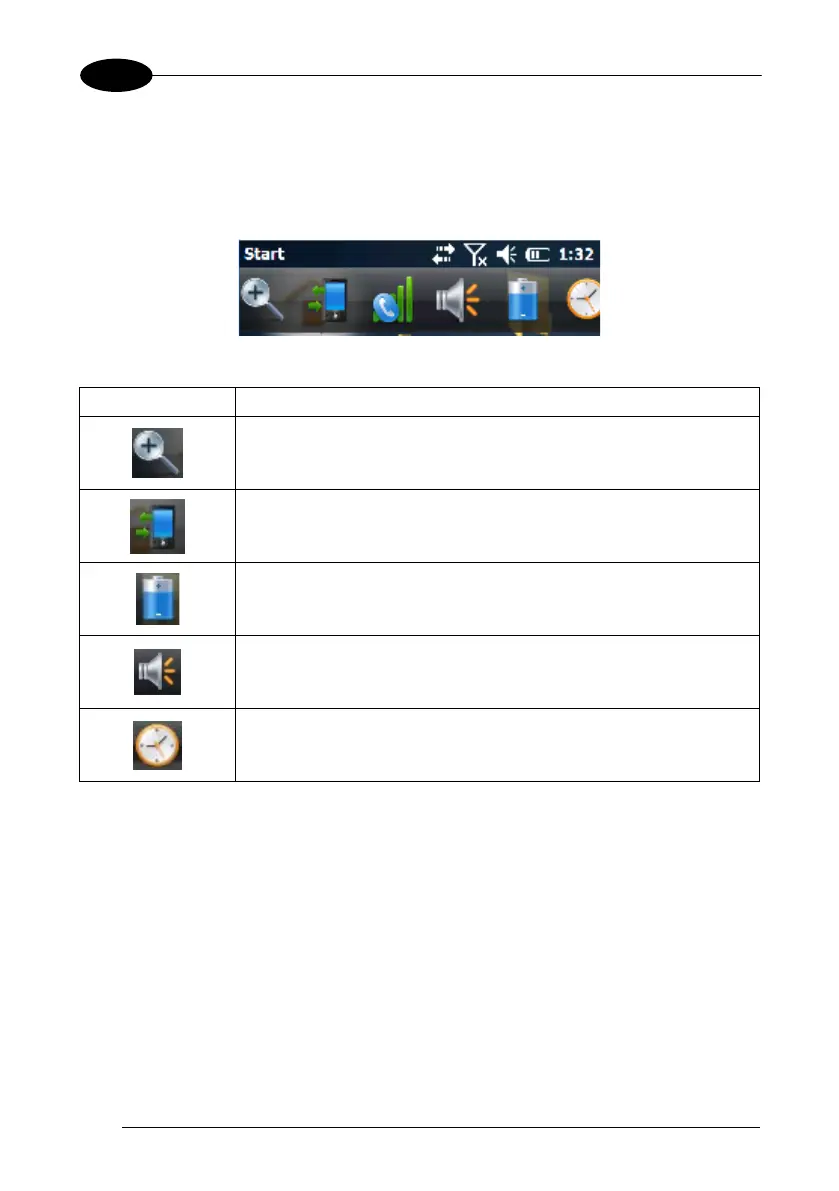
4.5.2 Taskbar
The Taskbar provides information about the time, the battery level, the keyboard
function, and the decoding status.
Windows Embedded Handheld Taskbar
ICONS DESCRIPTION
Zooms the screen.
Opens the Connections balloon, which includes hypertext links
to the Wireless Manager and the Connections applet. (see par.
4.6.6).
Displays the battery status.
Opens the Volume balloon, which allows the user to control the
main volume, in-call volume, to mute all vo
the vibrator.
Opens Clock & Alarms control panel applet. It allows the user to
set date, time and alarms.



 To Next Page