1 WDT60™
Main Keys Function
KEY FUNCTION
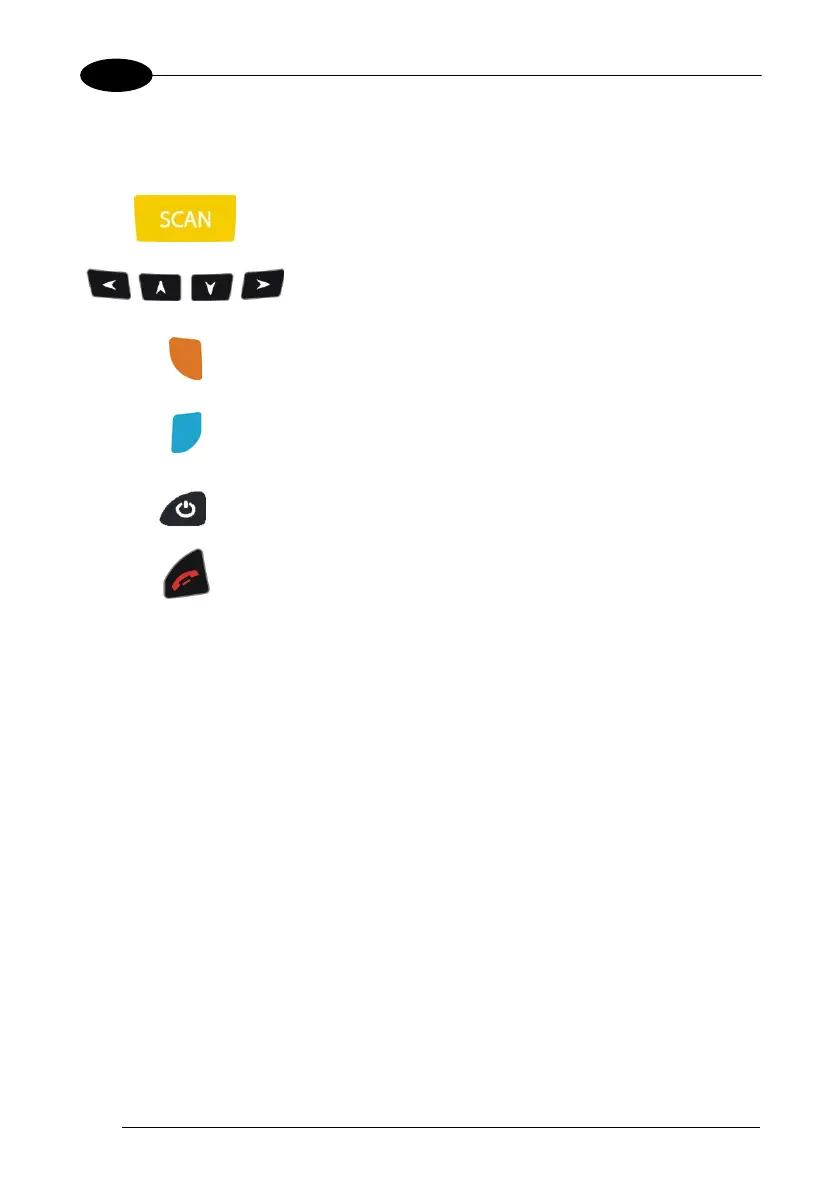
Pressing the SCAN key starts barcode data capture.
Pressing cursor keys
lets you move forwards,
backwards, upwards or downwards within text fields,
scroll through a Menu list or browse among folder files.
Orange modifier (toggle key): when pressed bef
ore a
standard key, it enables the character or function printed
in yellow above the key.
Blue modifier (one shot key): when pressed before a
standard key, it enables the character or function printed
in blue above the key
It powers the WDT60 ON
or OFF. It is placed on the
upper left side of the terminal.
In blue mode, the Telephone End key generates a
VK_ESCAPE virtual key code for applications that use
the Esc key to cancel
(e.g. touch screen calibration
application).



 To Next Page