USE AND FUNCTIONING
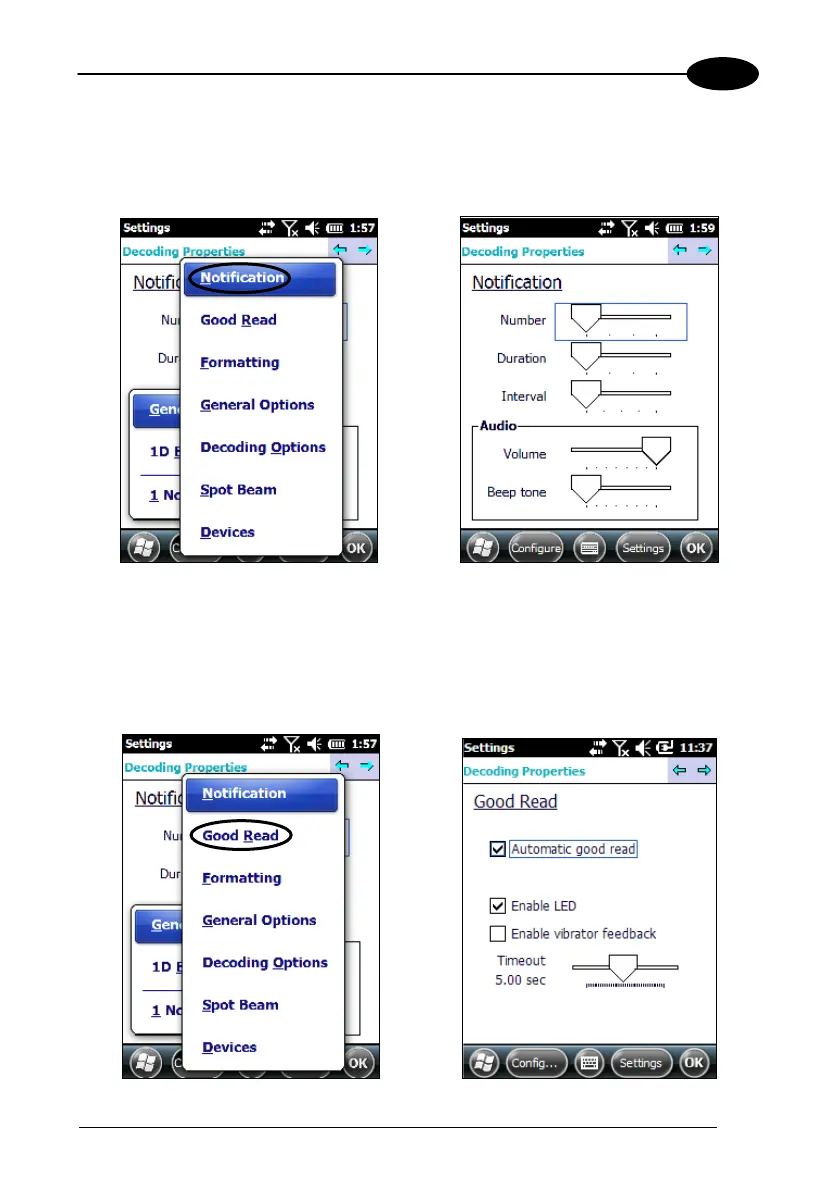
Notification
From the Decoding menu, tap Configure > General > Notification. Use it to set
volume, tone, duration, and number of various types of beeps.
Good Read
From the Decoding Properties applet, tap Configure > General > Good Read. Use it
to enable Good Read indications, the use of a vibrator feedback and to set the
decoding timeout for decoding labels.



 To Next Page