6Andrew+ Robot User Manual
[ ANDREW+ ROBOT USER GUIDE ]
F. WORKING AREA OF THE ANDREW+ ROBOT
The required working area of the Andrew+ Robot depends on
the complexity of the protocol. In fact, based on the number of
consumables, one or more Dominos may be needed.
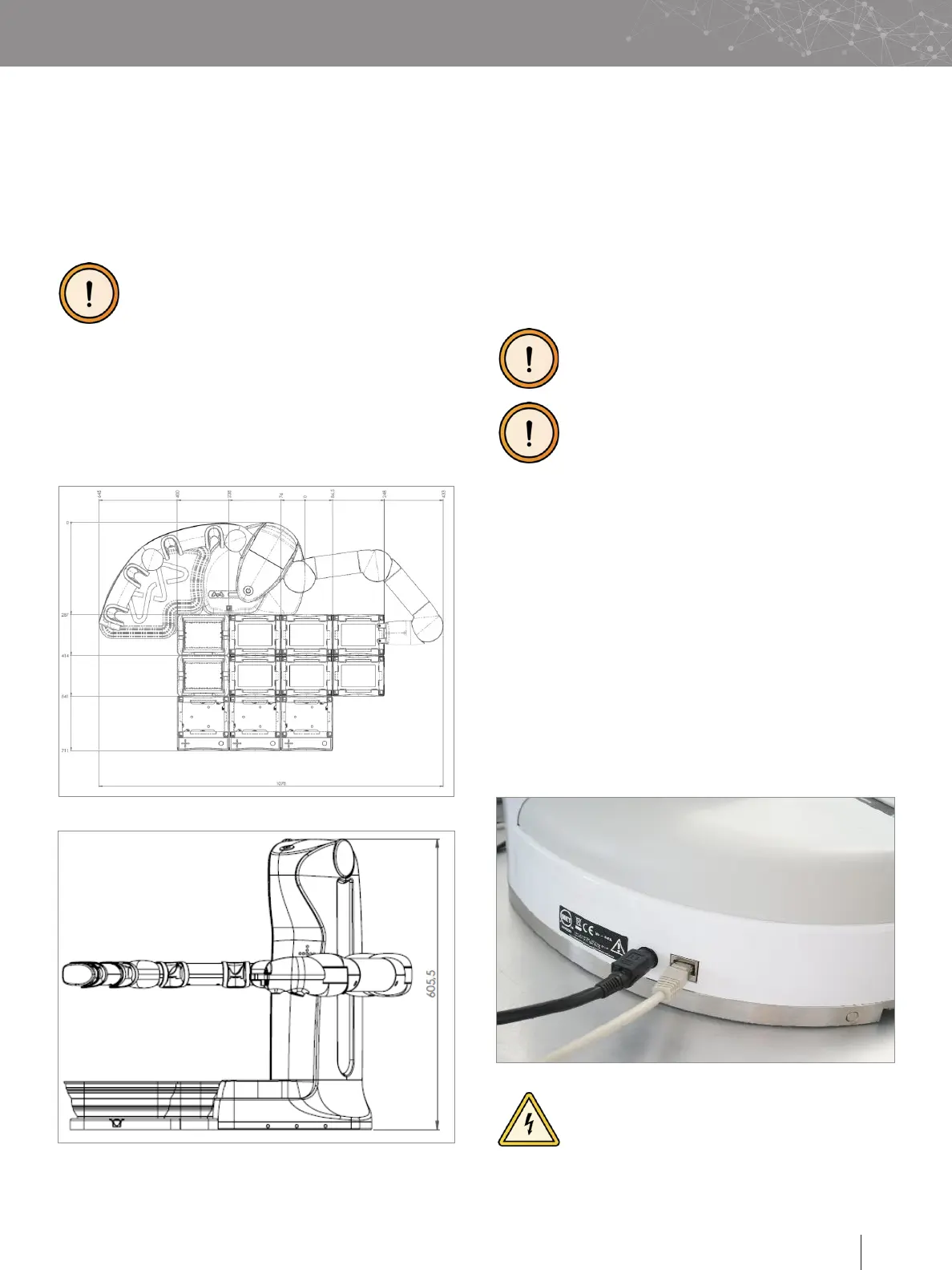
The image below shows the maximum working area of the
Andrew+ Robot when the system is used with 11 Dominos.
The Andrew+ Robot should have enough space
to work!
Its work area should be free of any obstacles;
dimensions:
■
Width: 1078 mm / 42.52 in
■
Depth:
Only with Dominos: 668 mm / 26.3 in
With at least one Device+ on the edge: 740 mm / 29 in
■
Height: 606.5 mm / 23.88 in
G. UNPACKING THE ANDREW+ ROBOT
i. The Andrew+ Robot is delivered fully assembled and
requires no tools for the following steps.
Open the cardboard and remove the top foam-based
protection.
To extract the Andrew+ Robot from its cardboard box, put one
of your hands on the base and the other hand on the top of the
body, then lift up the Andrew+ Robot.
DO NOT grab the Andrew+ Robot from its arms,
doing so will cause irreversible damage to
the unit.
Please check that the bench is level. This is
required in order to guarantee the correct
operation of the Andrew+ Robot.
Install the Andrew+ Robot on a level and stable bench. The
bench surface must be cleaned with acetone or ethanol
before placing the Andrew+ Robot.
Open the left arm of the Andrew+ Robot, followed by the right
arm. Verify that the right arm is completely open. A magnetic
connection should be automatically established between the
two portions of the joints in the shoulder. The same should
happen for the elbow.
Connect the power supply to the Andrew+ Robot using the
power plug present in its base plate. The Andrew+ Robot
can be connected wirelessly (via Wi-Fi) but if an Ethernet
connection is needed, connect the Ethernet cable provided by
Waters to Andrew+ Robot.
DO NOT use any other power supply except the
one provided by Waters.


 To Next Page