3-10 Using the e-SAT/IN Module
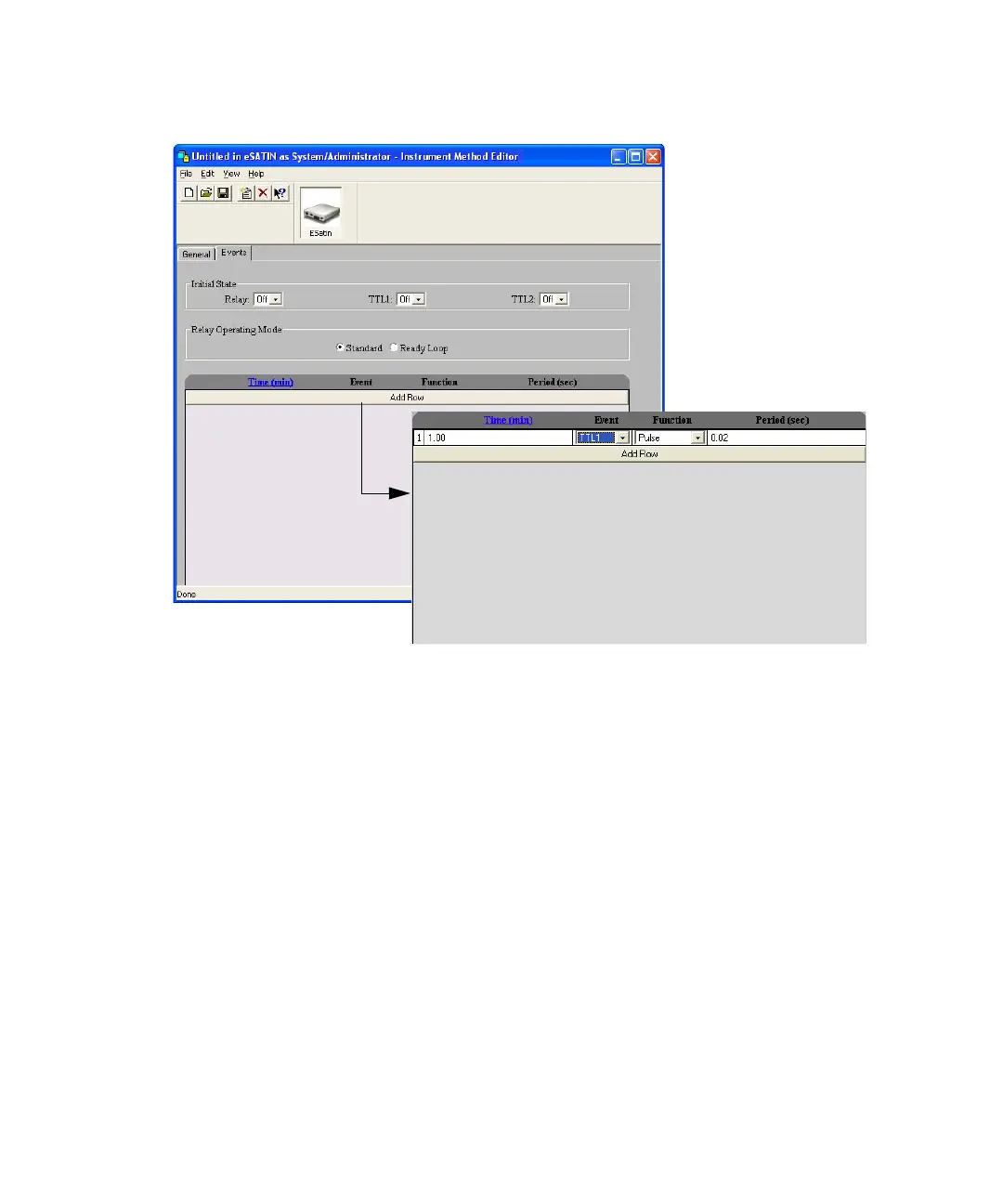
Instrument Method Editor, e-SAT/IN Events tab
Enabling events
Enabling an event output generates a contact closure that can initiate a
process on another device (at a specified time after the e-SAT/IN event clock
starts). The contact closure can control operation of a fraction collector or
chart recorder, or activate solvent/column switching valves.
You can program event outputs in the Events table rows. In each row, specify
the time that the event is to occur, the event function (On, Off, Pulse, or
Repeat Pulse), and the duration of pulsed events.
Tip: Event outputs do not provide power to run the external device. You must
use an appropriate power supply to run the device.



 To Next Page