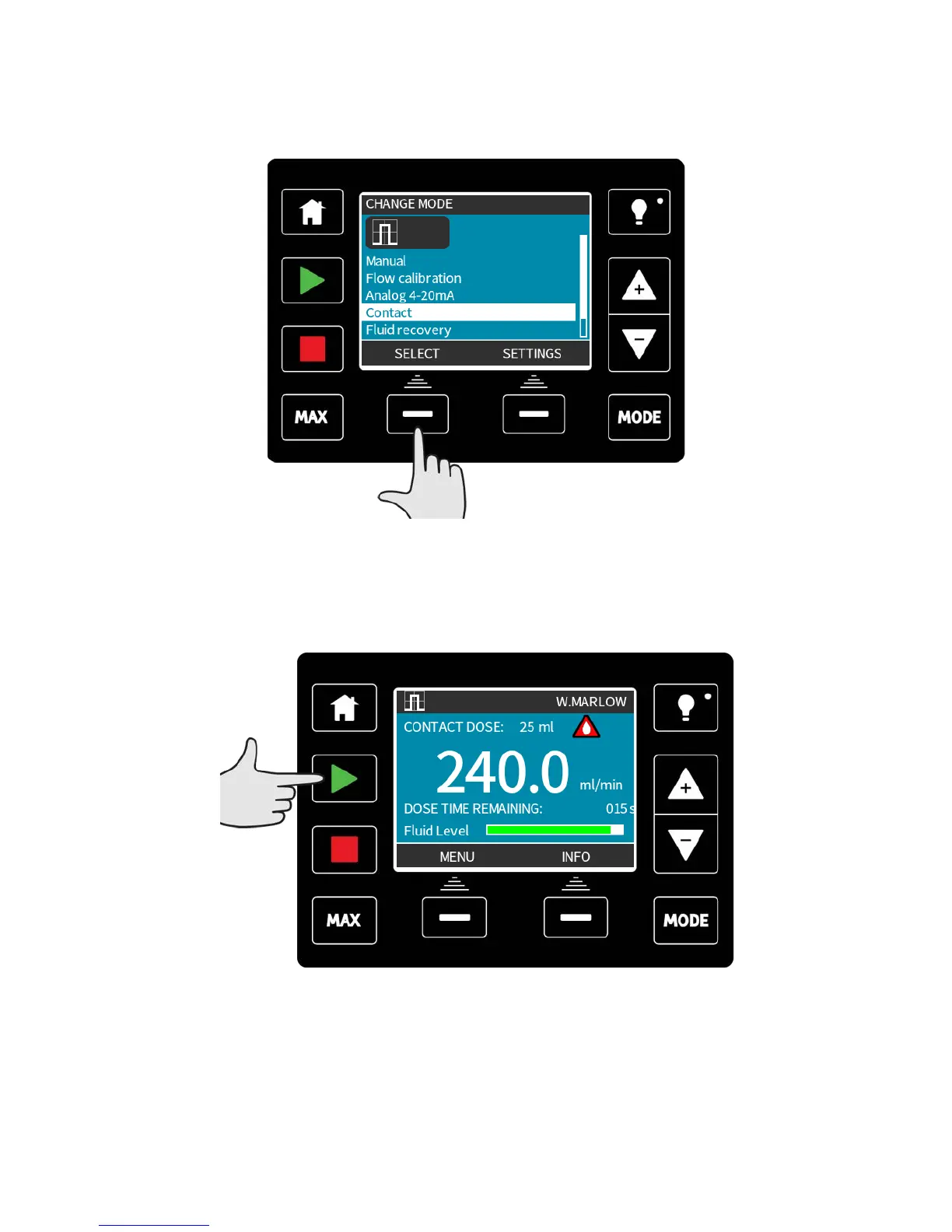
20.2 Contact operating mode (All Universal and Universal+
models except 110V relay versions)
To enter contact mode press the MODE key, move the selection bar to Contact, and press
SELECT.
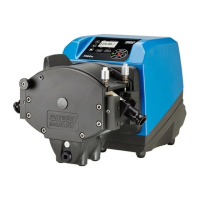
The contact mode home screen will be displayed. The home screen displays the contact
dose, the flow rate, and the dose time remaining when a dose is in progress. The dose time
is only displayed on screen when it is between 3 seconds and 999 seconds.
When the pump is not dosing it is possible to manually start a dose by pressing the START
key.
Doses which operate for less than 3 seconds are not recommended.
m-qdos-en-02 79










 To Next Page