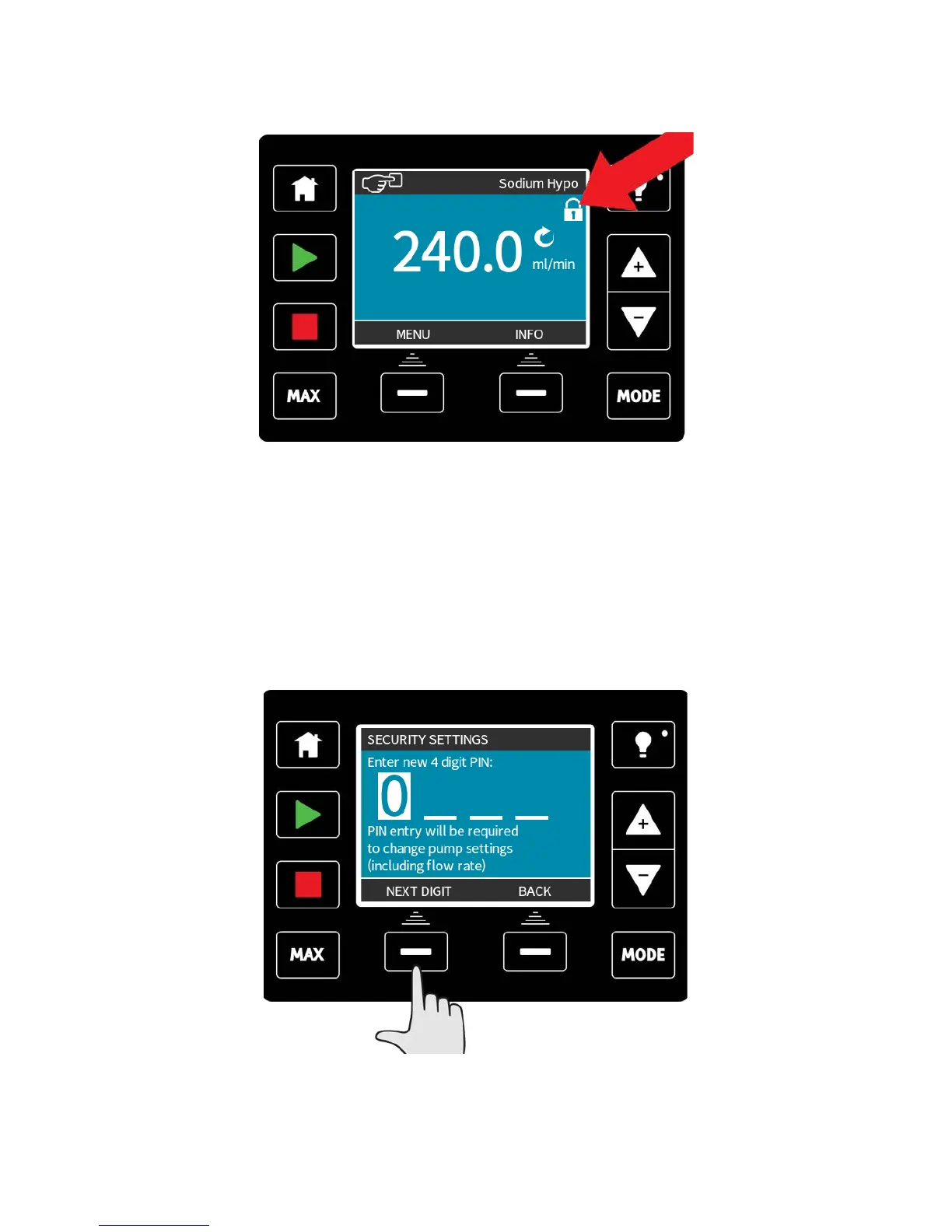
The padlock icon will appear on the operating mode home screen to show that keypad lock
is activated.
Note that the STOP and BACKLIGHT keys will always work whether the keypad is locked
or not.
PIN protection
Using the +/- keys in the security settings menu, highlight PIN protection.
Press ACTIVATE/DEACTIVATE to switch on/off the PIN protection. When active, the PIN
protection will request a PIN before allowing any change of operating mode settings, or
entry to the menu.
Once a correct PIN has been entered, all settings can be changed. PIN protection will turn
back on automatically after 20 seconds of no keypad activity.
m-qdos-en-02 90











 To Next Page