WIFI
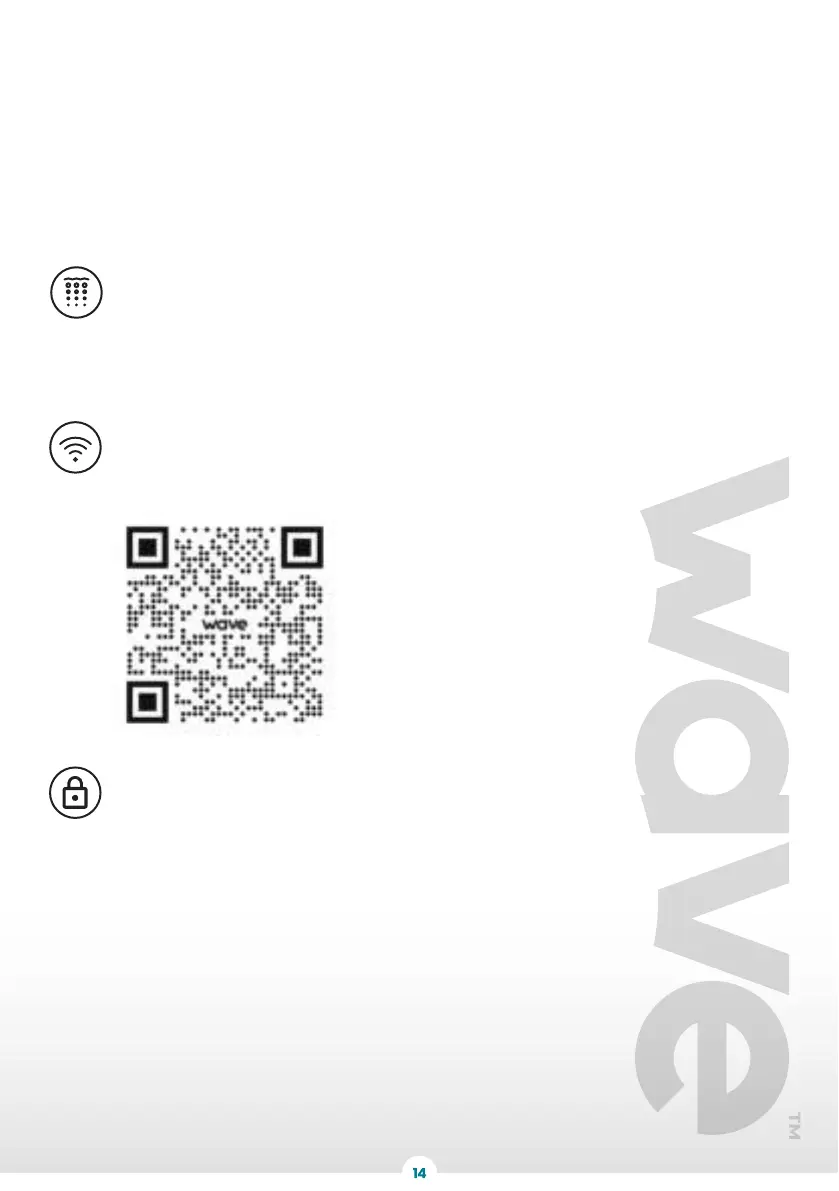
For more information on downloading and using our App, go to Wavespas.com/pages/app or
scan the QR code below. Please note the device requires a 2.4GHz connection.
®
BUBBLE / INFLATE
Press the ‘BUBBLE/INFLATE’ button and the bubble jets will start working - a light will also
appear. Press again and the bubble jets will stop working and the light will go out. The bubble
jets will stop automatically after working for 20 minutes. To reset, please wait for 10 minutes
and then press the “BUBBLE” button again. The bubbles stop after 20 minutes to avoid
over-heating of the internal pump and is there as a safety measure. During any time period
where the bubbling function has been started, bubbling can be stopped or started. this button
is also used to inflate the spa before use. Refer to page 8.
BUBBLE
Warning! Do not operate the pump and heater system whilst the spa is empty,
as this may damage the system.
WIFI
LOCK
LOCK
To prevent the heater settings being altered by children, the lock feature can be used. Press
once to lock the controller. Press again to unlock the functions. control mode and revert to
normal spa control functions.



 To Next Page