WS-431E 4G Router
www.waveshare.com
8
/
68
www.waveshare.com/wiki
3.1.1. HARDWARE ENVIRONMENT
Product test data flow topology:
Figure 4 Get started testing data flow diagrams
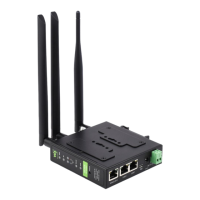
Hardware: 1 PC, 1 set of router (including antenna, power adapter), 1 network cable
(self-provided), 4G SIM card (self-provided)
Wiring: The computer is connected to the LAN port of the WS-431E through the network
cable, and the WiFi antenna and the full-frequency antenna are connected to the
corresponding antenna interface in turn
Networking: Insert the SIM card in the power off state (the front of the card slot
corresponds to the positive direction of the "sim "screen printing)
Power supply: The working voltage of the WS-431E is DC5-36V. You are advised to use the
DC 12V/1A power adapter provided by the factory
After power-on, observe the indicators: the PWR is on, the LAN is blinking, the 4G indicator
(3G+2G) is on, and the indicator is all on, indicating that the signal is good


 To Next Page