CHAPTER 22 CLICK 250 185
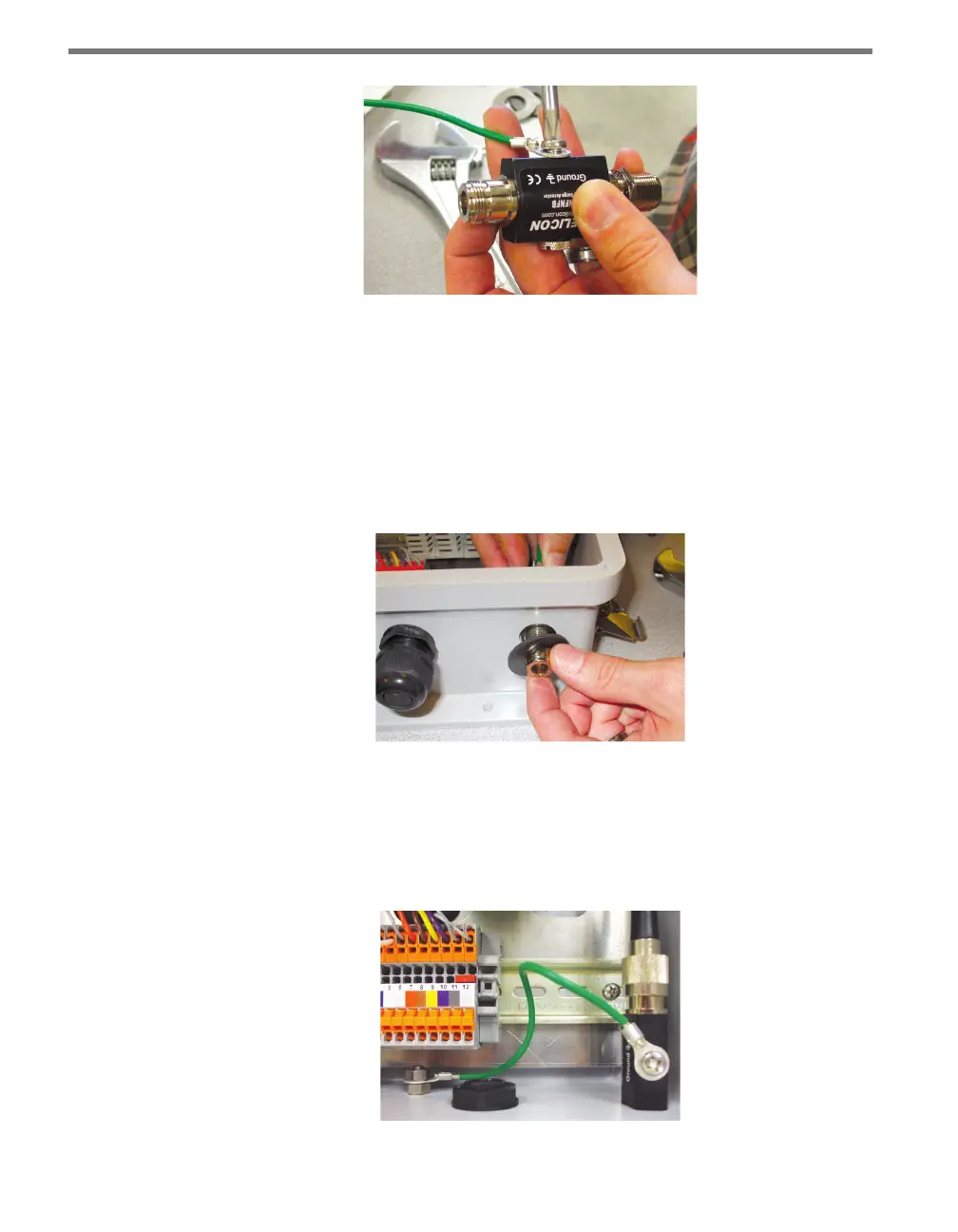
Figure 22.4 – Connecting the Grounding Wire
2 Get a coaxial cable that’s female on one end and male on the other. Connect the female
connector to the antenna connector on the wireless communication module, and con-
nect the male connector to the nonbulkhead (smaller) end of the Click 250.
3 Remove the nut and lock washer from the bulkhead (larger) end of the Click 250, then
insert that end into the hole in the side of the cabinet.
4 Push the provided rubber washer over the bulkhead end, which should now be on the
outside of the cabinet. Reattach the nut and lock washer and tighten.
Figure 22.5 – Mounting the Click 250 in the Cabinet
5 Get a coaxial cable that is female on both ends. Connect one end to the bulkhead end
of the Click 250. Connect the other end to the antenna.
6 Connect the grounding wire from step 1 to the ground lug in the cabinet or another
earth ground location.
Figure 22.6 – Connecting to Earth Ground



 To Next Page