In this chapter
Physical Features
Installation
26
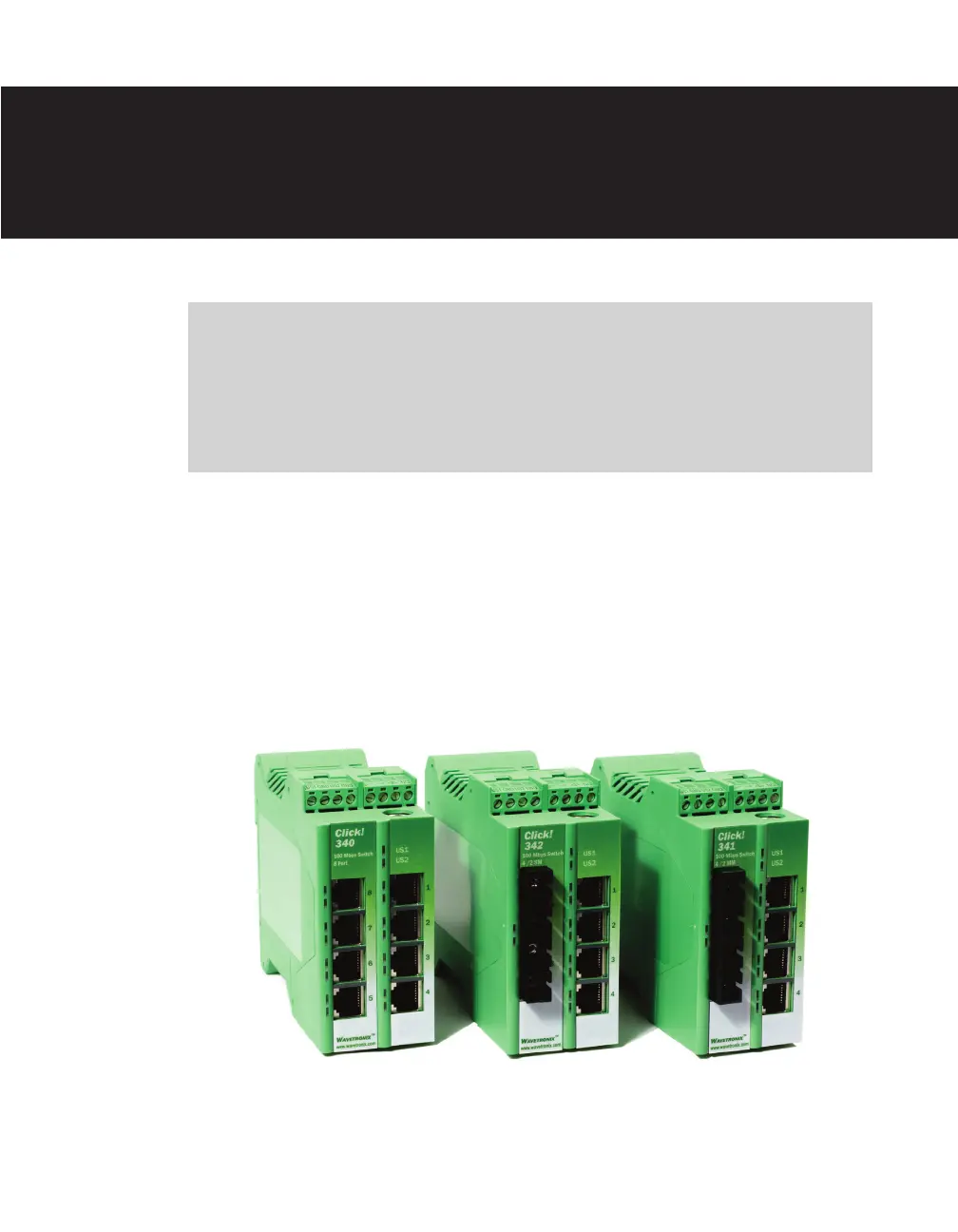
e Click 340/341/342 are managed Ethernet switches that work with trac monitoring
devices. ese switches support complete network management via SNMP and have an
integrated Web server for comprehensive conguration and diagnostic mechanisms. is
chapter covers only the physical features and installation of the devices. For information on
conguration, see the Click 340/341/342 Managed Switch User Guide.
Figure 26.1 – The Click 340, 341 and 342
Click 340/341/342 —
Managed Switches 26



 To Next Page