In this chapter
Physical Features
Installing and Wiring the Click 172/174
Operation Modes
Power and Configuration
Verify Operation
Fail-safe Mode
Troubleshooting
12
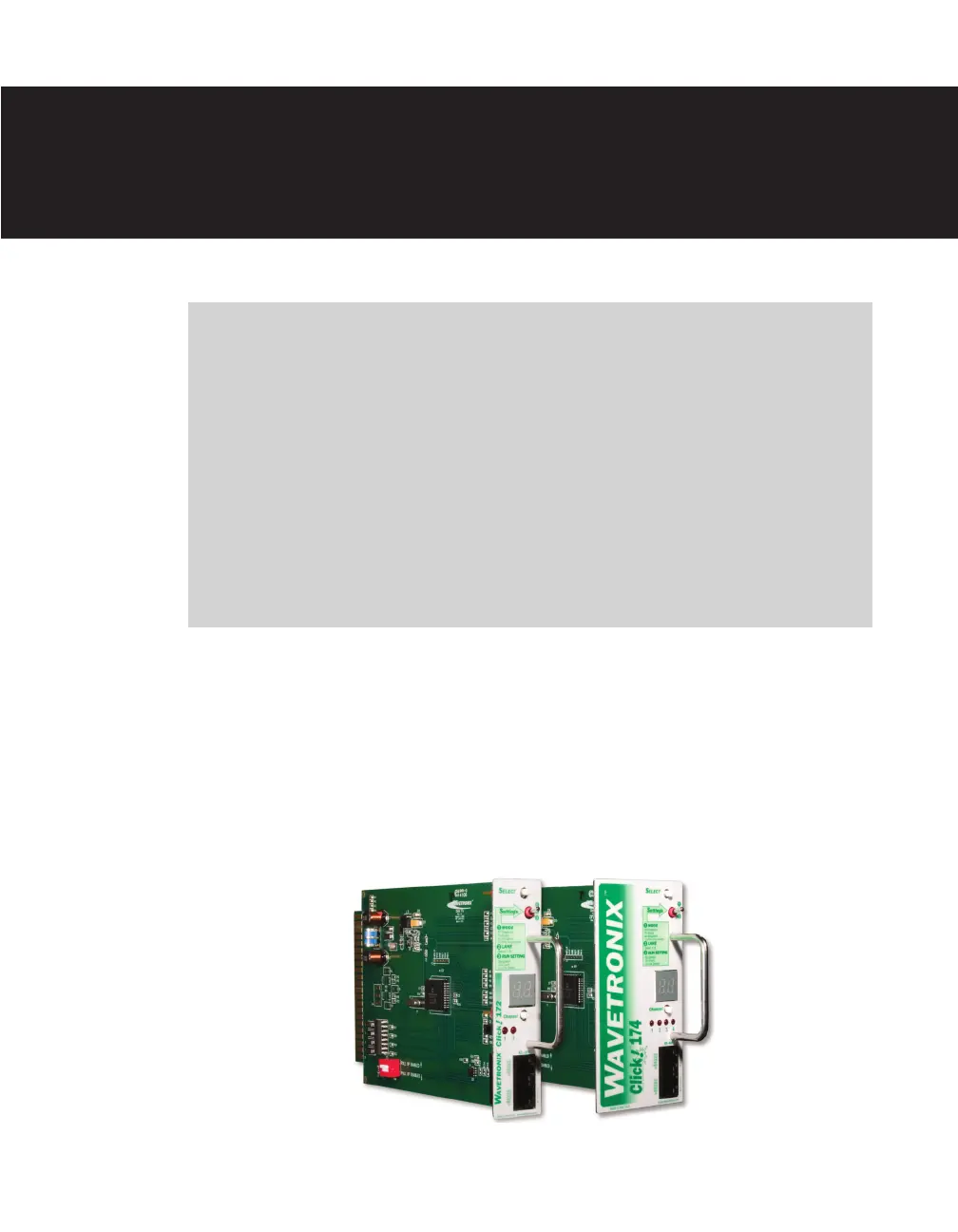
e Click 172 (2-channel) and Click 174 (4-channel) are contact closure cards used with
Wavetronix SmartSensors. ese cards plug into any standard detector rack card slot and
can be connected directly to the SmartSensor through a Click 200 surge protection module,
or through a serial data converter.
Figure 12.1 – Click 172/174 Physical Features
Click 172/174 —
Contact Closure Rack Cards 12



 To Next Page