In this chapter
Physical Features
Installation
17
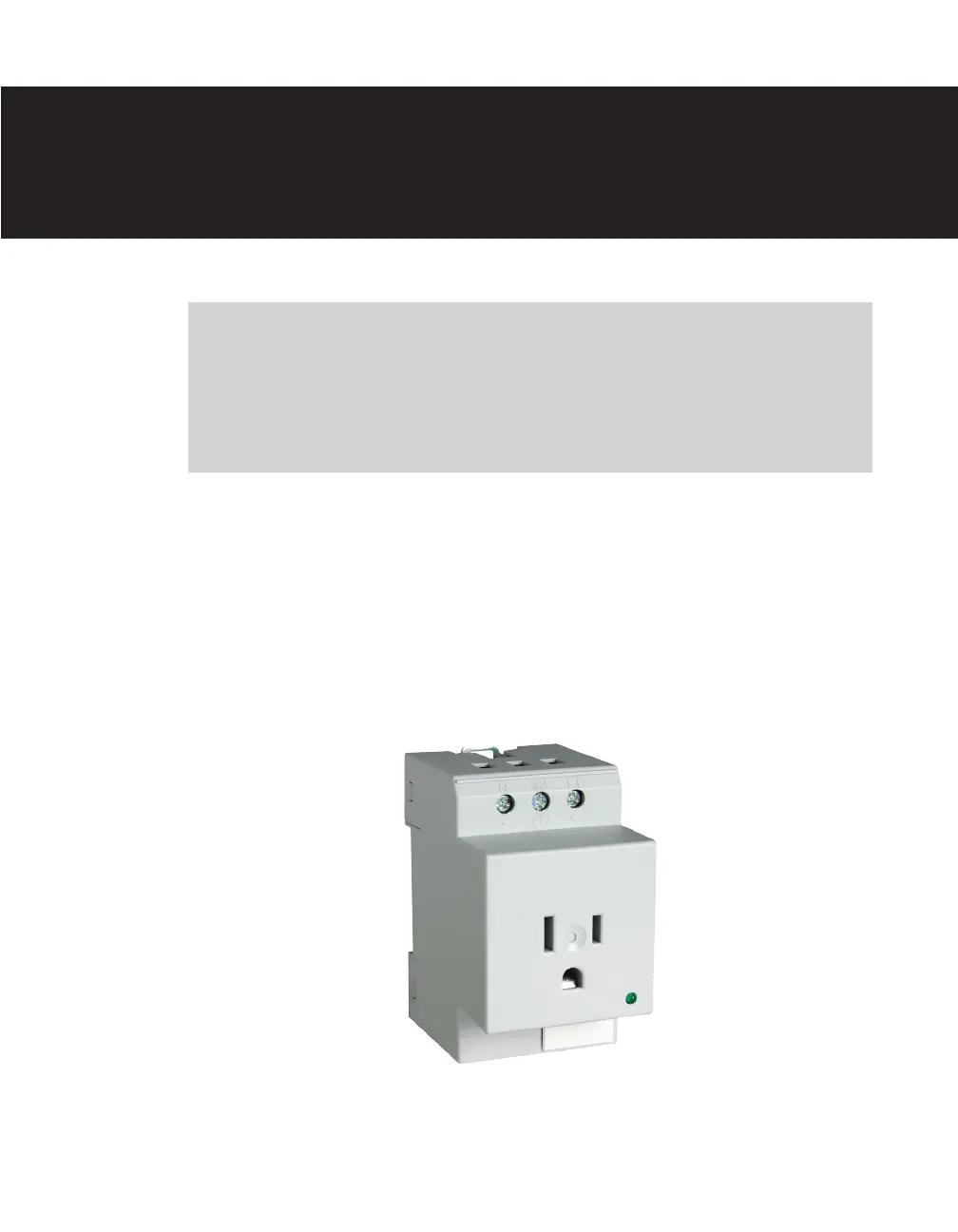
e Click 211 is an AC outlet that provides a standard three-hole socket for devices pow-
ered through an AC power plug. e outlet snaps onto a DIN rail and is wired through
twin terminal blocks attached to the power plant. If you are using a Click 211, the power
plant conguration will dier from the standard conguration outlined in Chapter 1 of this
manual.
Figure 17.1 – The Click 211
Click 211 —
AC Outlet 17



 To Next Page