CHAPTER 23 CLICK 301 199
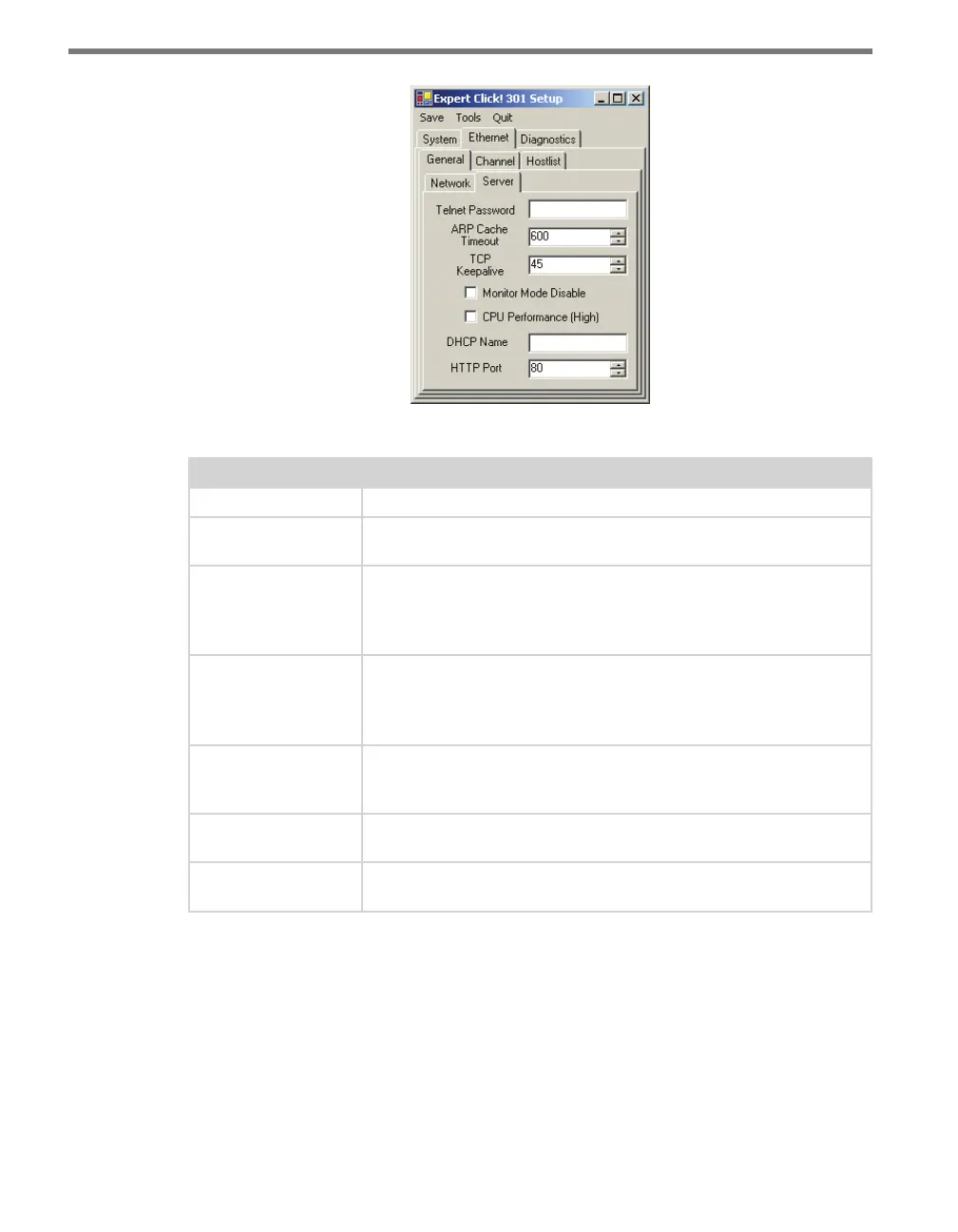
Figure 23.11 – Expert Driver Server Tab
Setting Description
Telnet Password
Allows you to enter the password required for Telnet access.
ARP Cache Timeout
Defines the number of seconds (1–600) before the device refreshes the
ARP cache.
TCP Keepalive
Defines how many seconds the unit waits during an inactive connec-
tion before checking its status. If the unit does not receive a response,
it drops that connection. The value can be between 0 and 60 seconds.
0 disables keepalive. The default setting is 45.
Monitor Mode Dis-
able
Allows you to disable entry into the monitor mode using the ‘yyy’ or
‘xx1’ key sequence at startup. This field prevents the unit from enter-
ing monitor mode by interpreting the stream of characters that are
received during the device server’s initialization at startup.
CPU Performance
(High)
Sets the device to high performance. High performance is 88 MHz,
while regular is 48 MHz. The high performance setting requires more
energy.
DHCP Name
Lets you enter the name of the host on the network providing the IP
address.
HTTP Port
Allows the configuration of the web server port number. The valid
range is 1–65535. The default port is 80.
Table 23.9 – Expert Driver Server Tab
e Ethernet > Channel > Connect tab denes how the unit makes a connection (see Fig-
ure 23.12 and Table 23.10).



 To Next Page