CHAPTER 24 CLICK 304 211
eld for the Click 304, should only be used under the direction of Wavetronix Technical
Services.
Aer you have made conguration changes on a driver and saved it to the Click device, the
word “current” will appear aer that driver to indicate the driver that is currently loaded
onto the device.
Note
Some settings appear on multiple drivers. Changing one of those settings on any
driver and saving them to the Click device will change that setting on all other drivers
it appears on.
e Backups option can be used to read congurations that have previously been saved to
le. See Chapter 5 for more information.
SmartSensor Driver
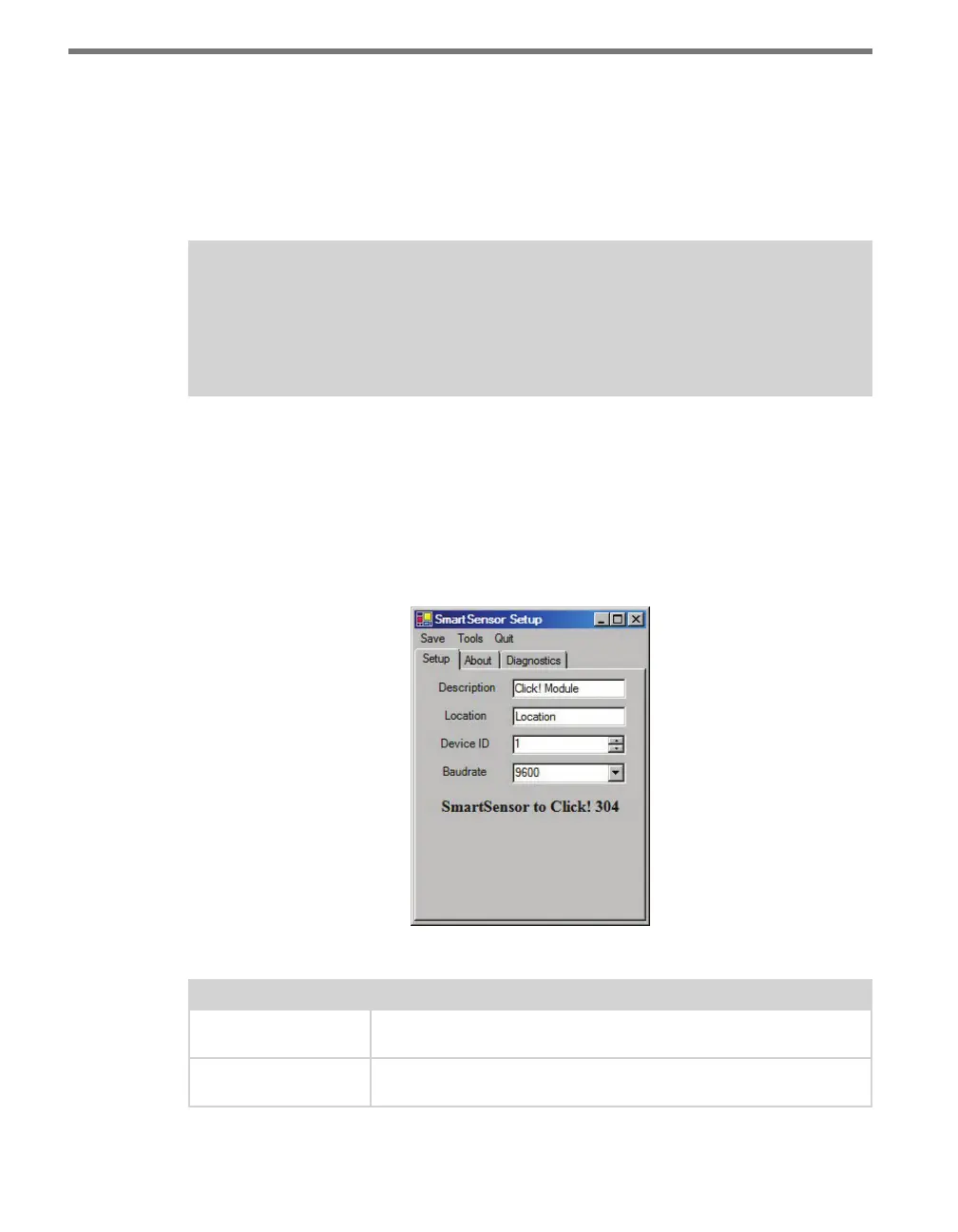
e SmartSensor driver contains three tabs: Setup, About and Diagnostics. e Setup tab
has the following settings (see Figure 24.4 and Table 24.2):
Figure 24.4 – SmartSensor Driver Setup Tab
Setting Description
Description
Shows a description of the device being configured. This is only for
your information and does not aect the operation of the device.
Location
Displays the location of the device being configured. This is only for
your information and does not aect the operation of the device.



 To Next Page