CHAPTER 29 CLICK 421 249
Computer Configuration
e Click 421 can be congured more exactly using the Click Supervisor soware. See
Chapters 4 and 5 of this document for instructions on how to download and install Click
Supervisor and how to connect to your device using the soware.
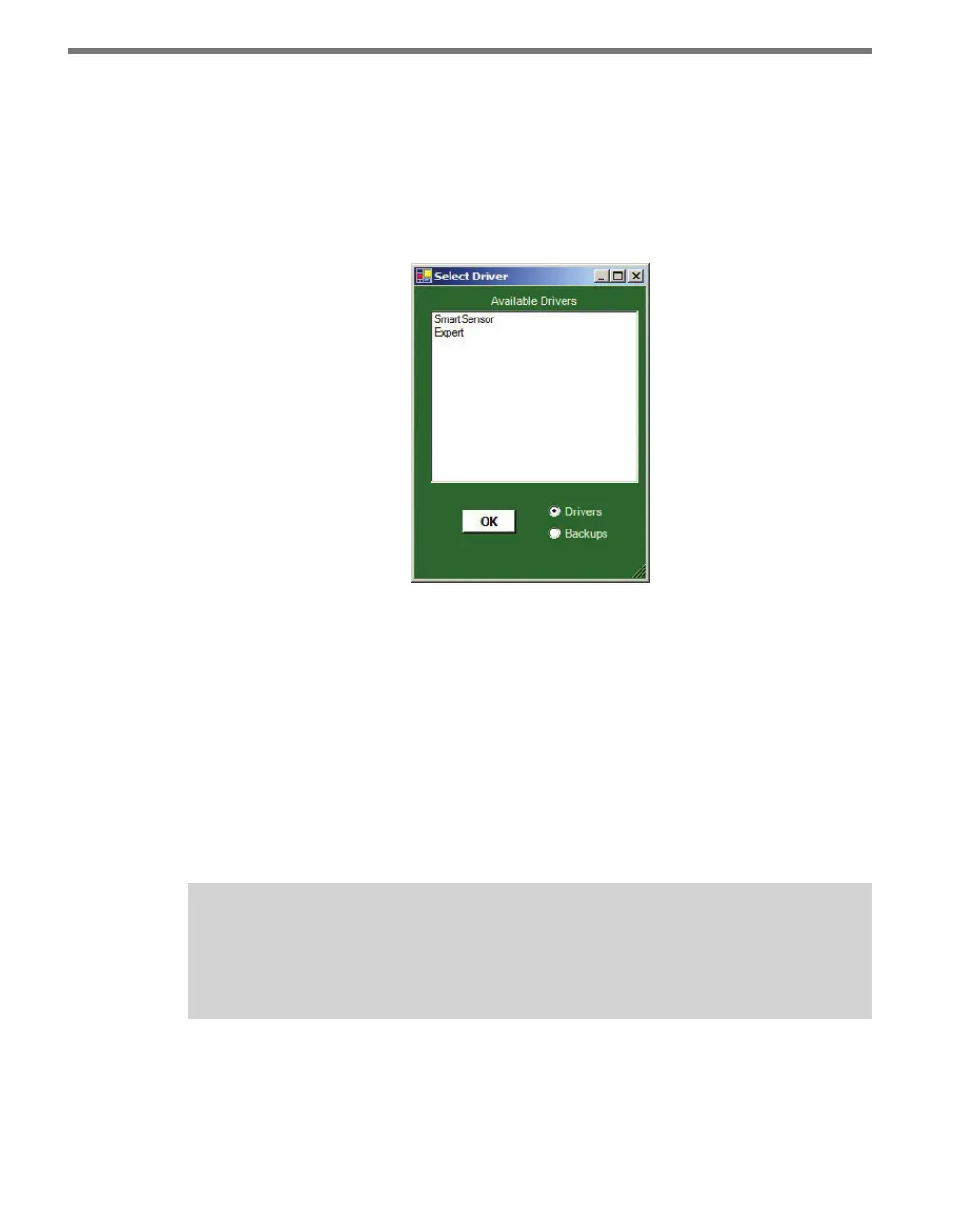
e Click 421 can be congured using one of two drivers (see Figure 28.3).
Figure 28.3 – Selecting a Driver
If you intend to connect from your computer to the Click 421 to a sensor, use the SmartSen-
sor driver.
To see advanced settings, use the Expert driver. is driver, which exposes every available
eld for the Click 421, should only be used under the direction of Wavetronix Technical
Services.
Aer you have made conguration changes on a driver and saved it to the Click device, the
word “current” will appear aer that driver to indicate the driver that is currently loaded
onto the device.
Note
Changing any of the settings on any driver and saving them to the Click device will
change those settings on all drivers.
e Backups option can be used to read congurations that have previously been saved to
le. See Chapter 5 for more information.



 To Next Page