CHAPTER 29 CLICK 421 251
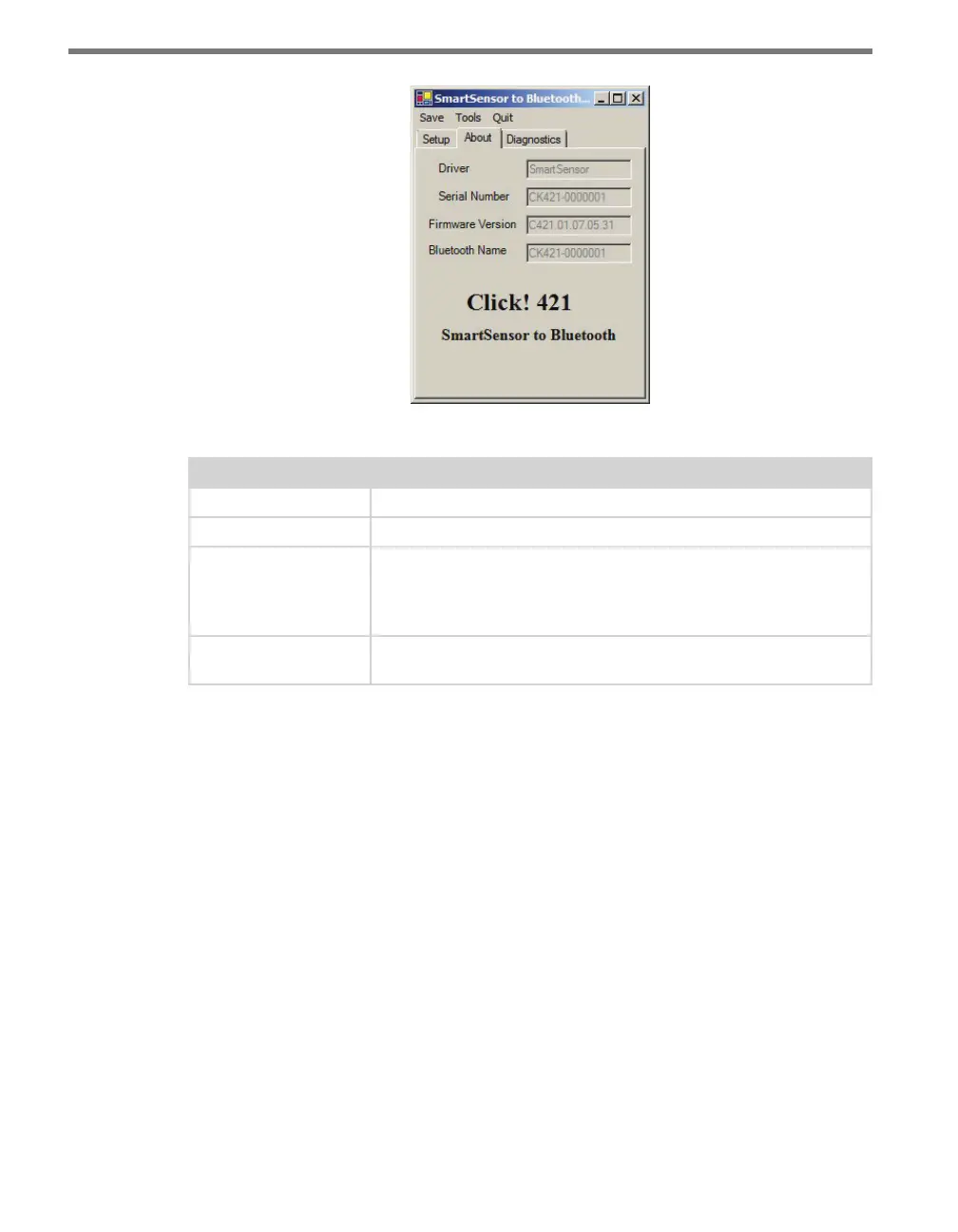
Figure 28.5 – SmartSensor Driver About Tab
Setting Description
Driver
Names the driver you are currently working with.
Serial Number
Displays the serial number of your device.
Firmware Version
Shows the version of firmware your device currently has installed. If
Click Supervisor detects a discrepancy between this version and the
most current version it currently has access to, you will be prompted
to upgrade when you connect to the device.
Bluetooth Name
Shows the name of the device, which is broadcast with the Bluetooth
signal. This name can be changed in the Expert driver.
Table 28.3 – SmartSensor Driver About Tab
Under the Diagnostics tab, you can run diagnostics on your device (see Figure 28.6). Click
the General or Bluetooth buttons to run diagnostics on the items listed below each button.
If a problem is detected, the program will display a red square next to the item in question.
If no problems are detected, a green circle will appear.



 To Next Page