CHAPTER 5 USING CLICK SUPERVISOR 39
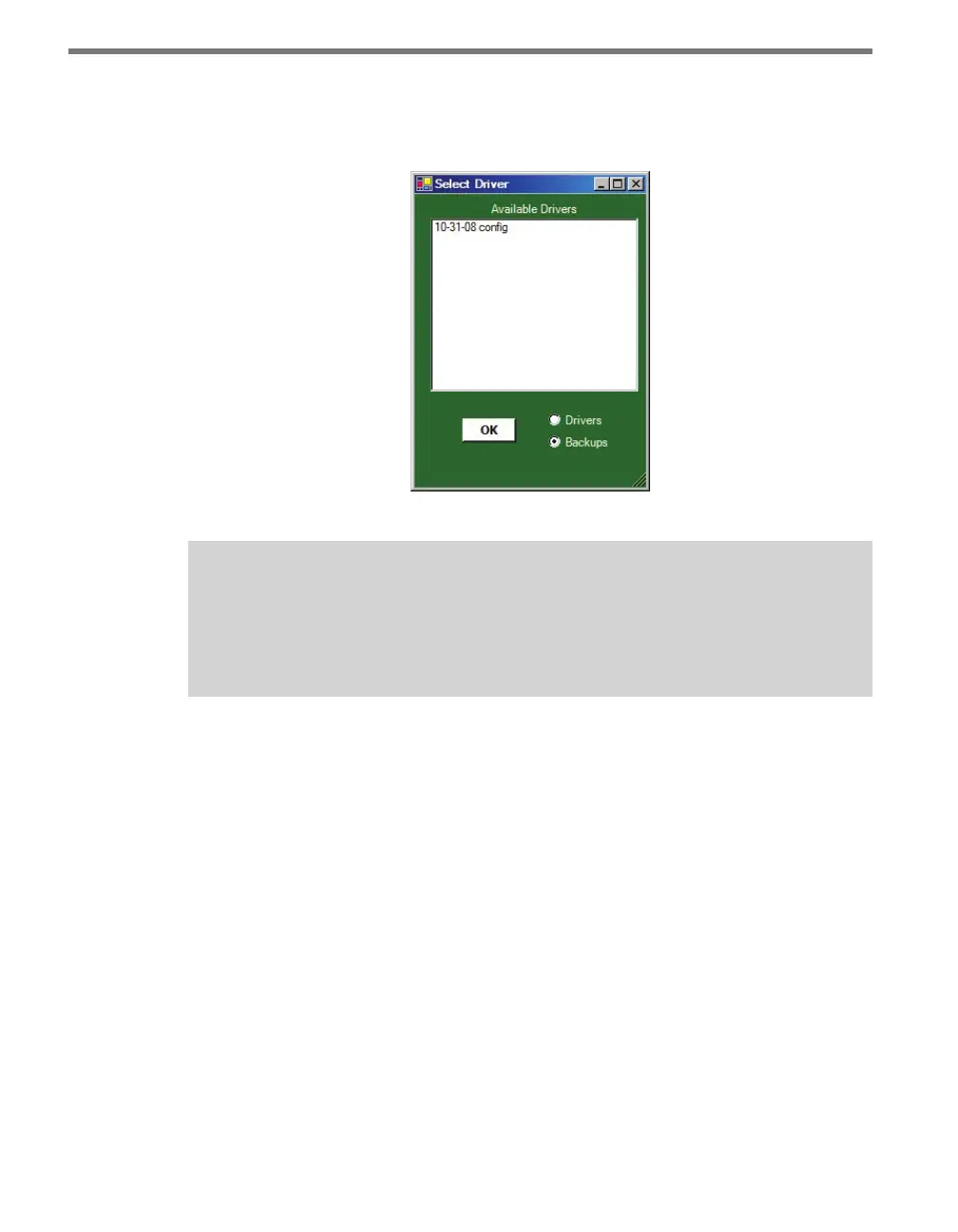
To open a backup, select the Backups radio button in the lower righthand corner of the
screen. All the backups currently saved in the correct folder will appear (see Figure 5.6).
Select the backup you wish to open and click OK.
Figure 5.6 – Selecting a Backup
Note
The default folder to save backups in is C:\Program Files\Wavetronix\ClickHome\
Drivers\ [model number] \User. If you try to save the files elsewhere, the program will
still save them in the User folder.
Aer you’ve nished conguring a device, you can connect to another one by returning to
the Communication screen, closing the connection, and connecting to a dierent device.



 To Next Page