Extreme temperature changes or differences can affect the adhesive property of the
pad.
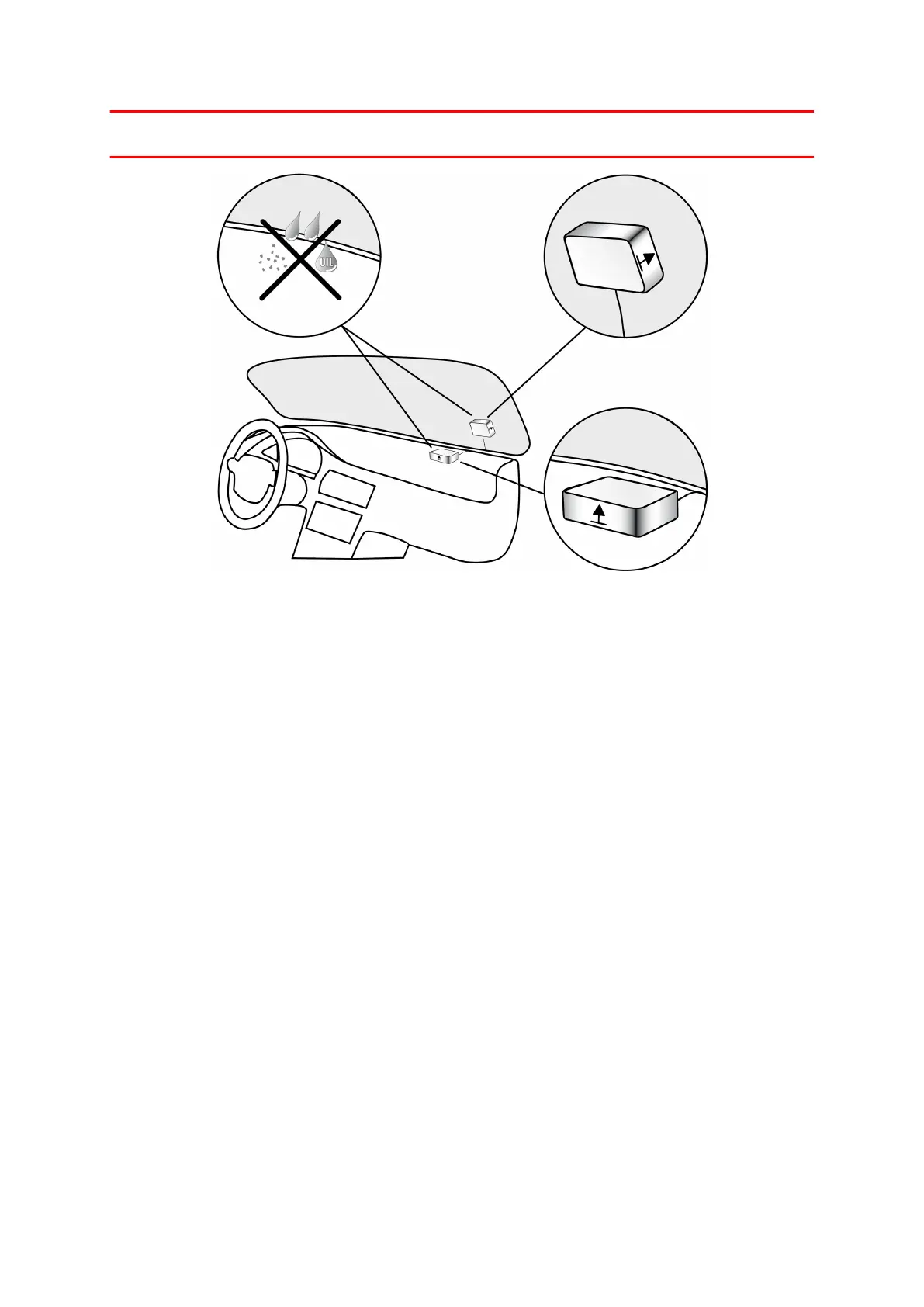
To mount your external GPS antenna, do the following:
1. Remove the rubber cap from the GPS antenna connector.
2. Insert the plug of the GPS antenna into the GPS antenna connector on the LINK
710.
3. Prepare a smooth, clean, oil free and dry surface on the windscreen.
4. Attach the antenna to the prepared surface so that the top side has a clear view of
the sky. Either locate a smooth metal surface or use the extra adhesive pad.
18


 To Next Page