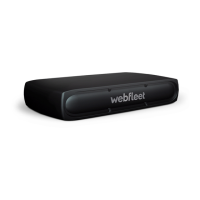
Activating the LINK 710
You can use the LINK Toolkit app to activate your LINK 710 device.
To go to the online installation tool scan the QR code printed on the bottom of your
LINK 710 device. To obtain access credentials for the online installation tool please
contact Webfleet Solutions or your fleet manager.
Make sure you have the following:
▪ The Contract Confirmation letter including the Activation Code.
▪ A device with internet connection and software to scan and read QR codes.
▪ The login credentials to the LINK Toolkit app.
▪ The QR code of the LINK 710, which is printed on a sticker on the bottom of the
device.
20


 To Next Page