When you have stopped driving and turned off the ignition, the main menu will be
shown.
Advice and alerts
Alerts and advice to enable you to drive safer and more eco-friendly may be shown
while you are driving. When such a driving event occurs, you will be notified with one
of the following icons and a sound.
You can turn off the sound for Driving event alerts in the Settings.
The following alerts and advice are shown.
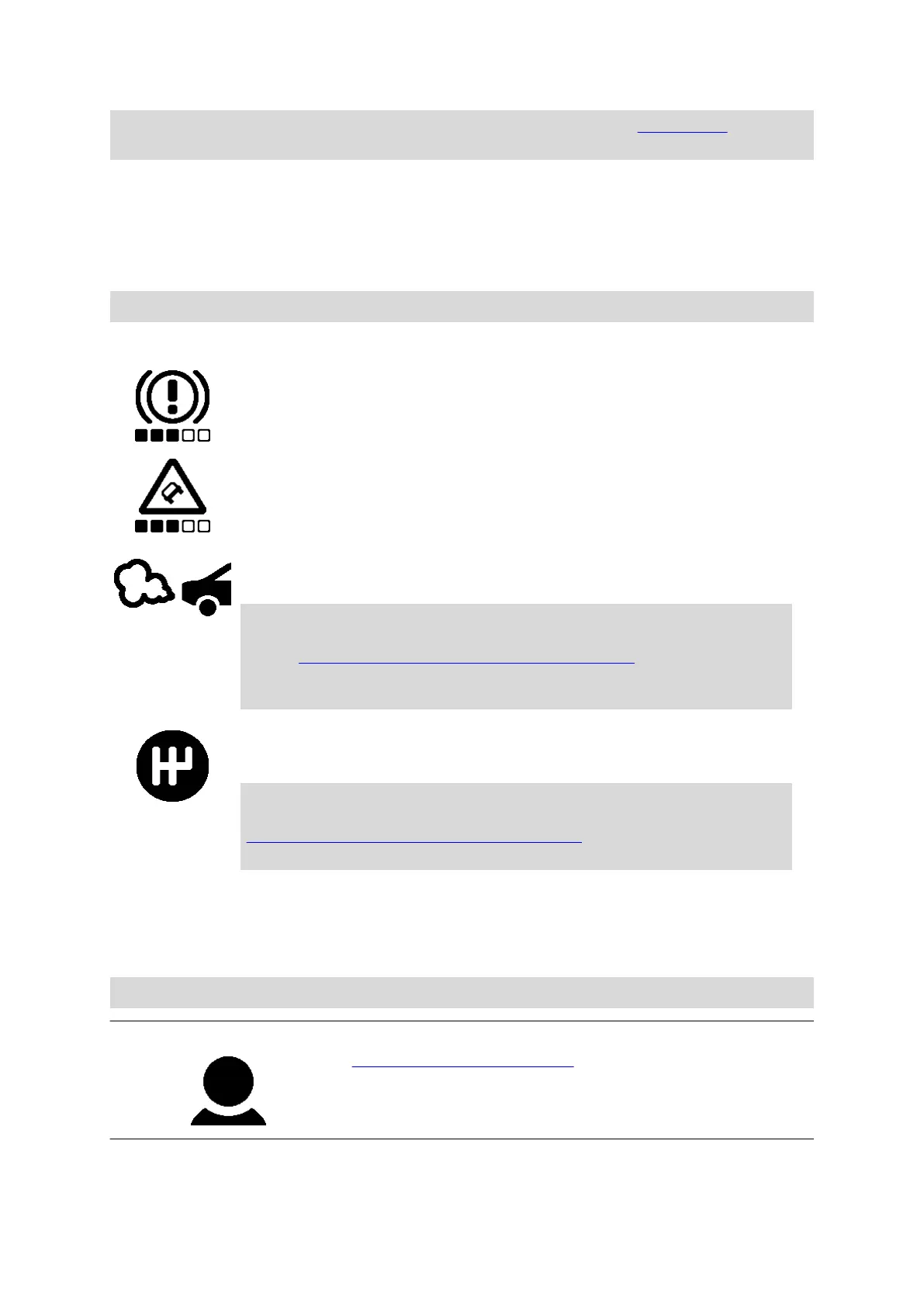
Harsh braking - you are braking too hard. The number of squares
indicates the severity of the driving event.
Harsh steering - you are cornering too fast. The number of squares
indicates the severity of the driving event.
Idling - the vehicle has been standing still with the engine running
for longer than five minutes.
You require either a LINK 105 installed in your vehicle and
connected with your LINK device, as listed in this document
under Accessories not supplied with this device, or a specific
input installation on the LINK device, or corresponding CAN
installation.
Shift up - you are not driving in the optimal gear. Shift up to help
protect the environment by saving fuel and carbon emissions.
You require a LINK 105 installed in your vehicle and connected
with your LINK device, as listed in this document under
Accessories not supplied with this device, or corresponding CAN
installation.
Navigation buttons
The following navigation buttons are available in the main menu:
Note: Not all features are enabled on all devices.
Driver
Assign or un-assign driver - Select this button to
identify yourself as a driver to the device using a
personalised RFID card. If a driver is already assigned
to the device, then you can un-assign the driver from
the device here.
12



 To Next Page