To check your working status, do the following:
1. In the main menu tap Working times.
2. Tap the Status Info.
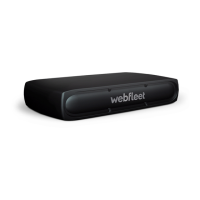
The LED for the RFID card reader starts flashing.
3. Hold your RFID card onto the RFID card reader, while the LED is flashing.
On the display you will shortly see which status you are currently in and for how
long. You can also change the working status by pressing the corresponding icon.
18



 To Next Page