I/O Expansion Modules
English
CFW100 | 7
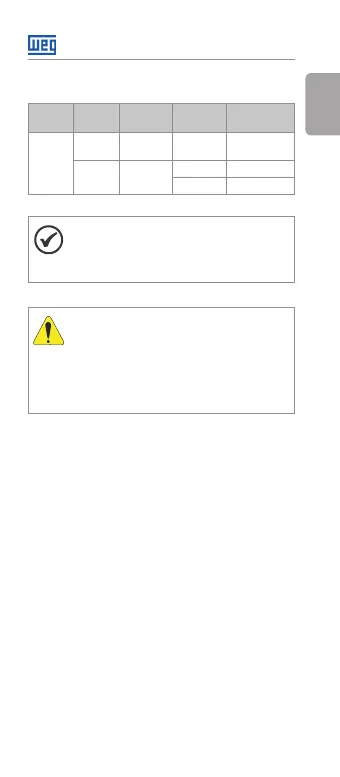
Table 2: Configuration of switch S1 to select the type of
analog input signal on the CFW100-IOAR
Input Signal
Setting of
Switch S1
Signal
Range
Parameter
Setting
AI1
Voltage
S1 = OFF
(Position I)
0 ... 10 V P233 = 0 or 2
Current
S1 = ON
(Position II)
0 ... 20 mA P233 = 0 or 2
4 ... 20 mA P233 = 1 or 3
NOTE!
The firmware version of the CFW100-IOAR
accessory can be viewed in parameter P024
of the CFW100 inverter.
ATTENTION!
For the proper operation of the CFW100
inverter with the CFW100-IOAR module,
parameters P308, P310, P311 and P312 must
be programmed with the factory settings.
For further details, refer to the programming
manual of the CFW100 V2.0X or up.



 To Next Page