Stripping and crimping machine Crimpfix 2.5 M
08-09-19-DK-Operating Manual_gb.doc / 2008-09-19 16
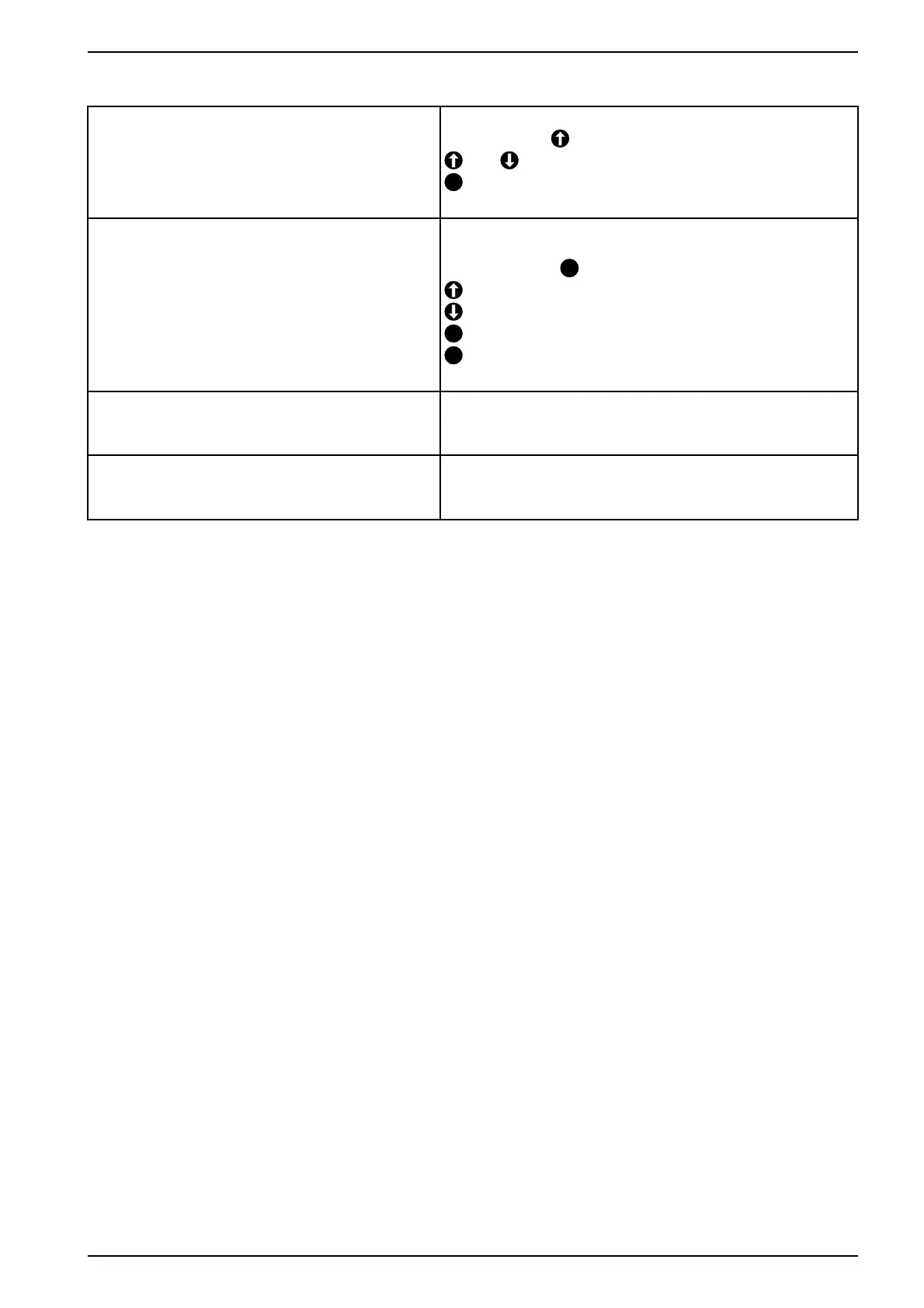
Display is not readable
Contrast setup is not ok.
Mains switch +
Edit
E
Exit
Key presses are not accepted
Keyboard is damaged
Keyboard check
Main switch and
C
0c
0e
C
0f
E
0d Back to main menu
Ferrule misses on the stripped wire Open the flap and remove the magazine.
If there is a ferrule in the ferrule holder take it out.
Insert the magazine and close the flap.
Wire is not stripped tough the machine is correct
adjusted
Turn off the machine and wait 30 s.
Start the machine and make a stripping test.
(see chapter 7.6)



 To Next Page