Operating the Printer
1168670000/02/08.11
45
4. Operating the Printer
4.1 Controls
4.1.1 Mains power switch
The mains power switch is located on the left side of
the printer.
Position 0: Off
Position I: On
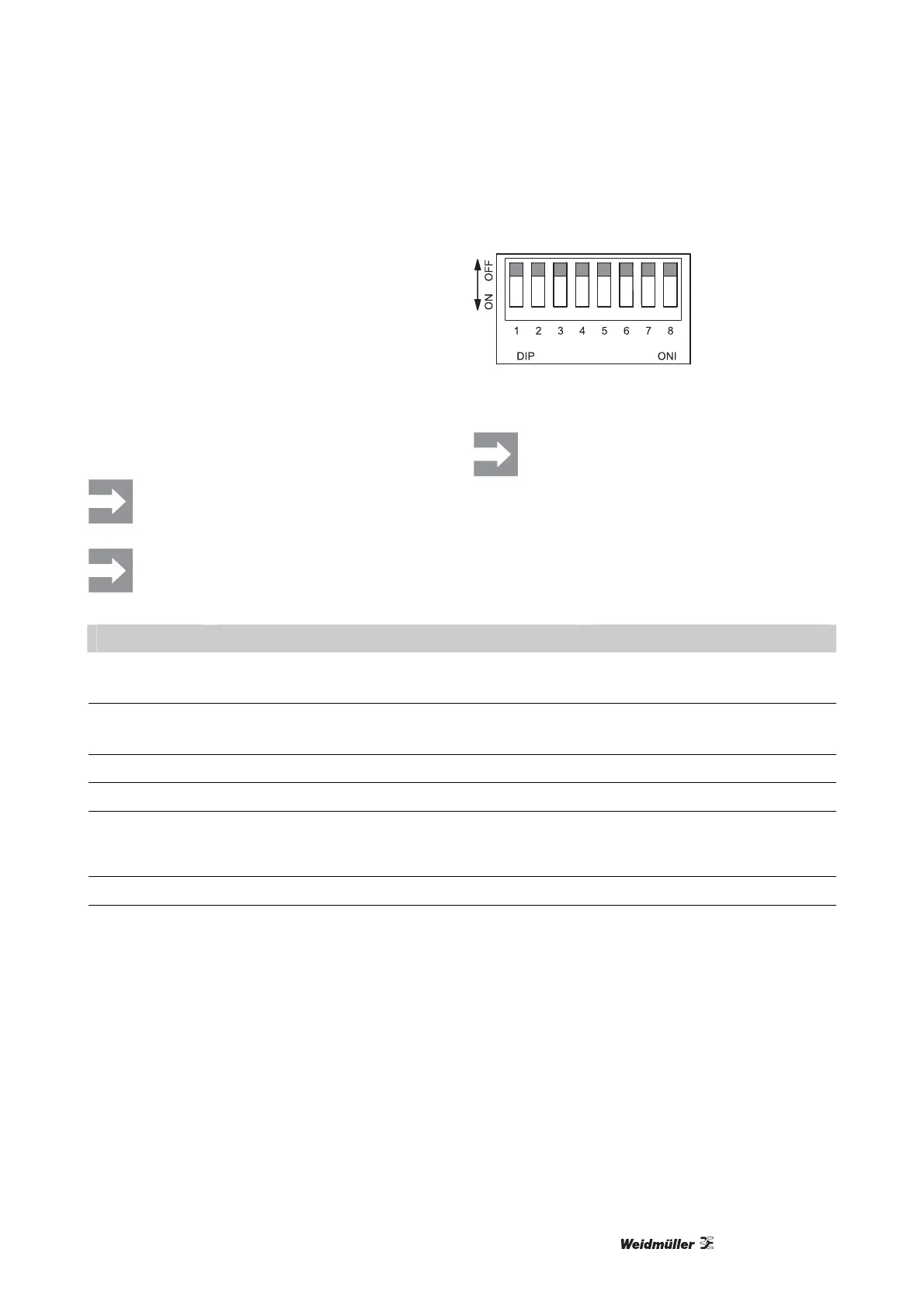
DIP switches
We recommend that you run the THM
Basic 300 printer with its factory default
settings! (All DIP switches set to OFF.)
Turn off the printer before changing the
DIP switches.
Figure 6 DIP switches
After the setting of the DIP-switch 5 per-
form a printer calibration.
DIP switch Function Comment
1 ON: direct thermal print
OFF: thermal transfer print
Print settings
Preset: OFF
2 ON: allows label withdrawal (tear-off mode)
OFF: turns label withdrawal mode off
Label withdrawal (tear-off mode)
Preset: OFF
3 reserved always OFF
4 reserved always OFF
5 ON: Light sensor activated
OFF: Light sensor deactivated
Comment: Change from reflex to
light sensor
Preset: OFF
6 reserved always OFF
7, 8 8 | 7
0 | 0 – 9600,n,8,1
0 | 1 – 19200,n,8,1
1 | 0 – 38400,n,8,1
1 | 1 – 57600,n,8,1
RS232 serial interface
Baud rate setting:
0: OFF, 1: ON
Preset: 00
Table 1 DIP switches



 To Next Page