90
January, 2017
LANGUAGE EDITOR
The Language Editor allows you to customize the language of the 360 Operating System. You can either
edit an existing language, or create your own language.
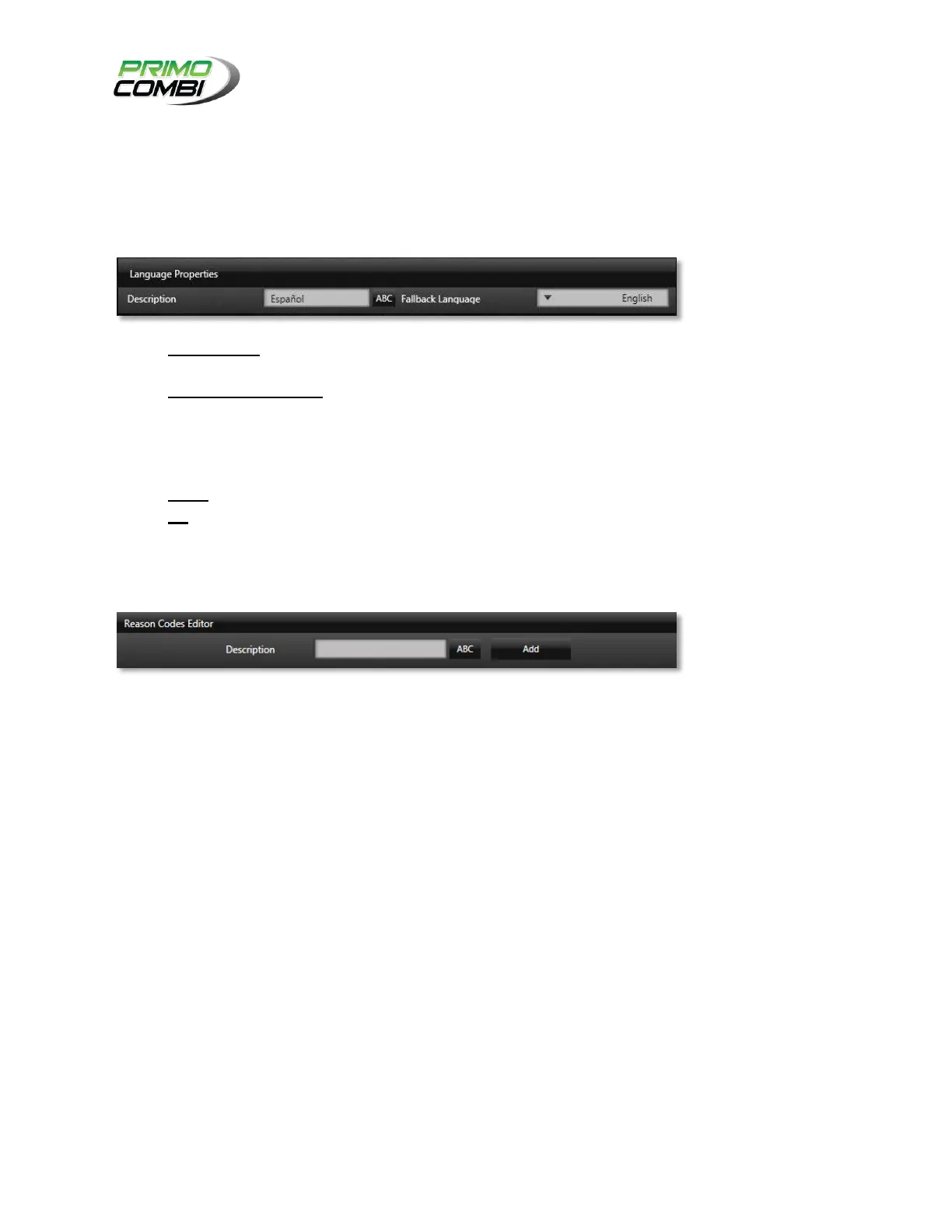
LANGUAGE PROPERTIES
DESCRIPTION – This is the description of the language. Typically you will want to give the proper
name of the language.
FALLBACK LANGUAGE – The 360 Operating System allows for partially complete dictionaries. If
there is a language that is incomplete, you can set the fallback language to fill in the blanks. This
is best used when your company has its own internal language; you will be able to replace
selected words without having to create an entire language pack. For more information please
contact your service provider.
FROM – The language that you wish to create or edit.
TO – The language that you wish to use as a basis for your translation.
REASON CODES
This is where the Reason Codes are defined and stored.
MAINTENANCE PLAN EDITOR
The Maintenance Plan Editor is where operators are able to design their own procedures for machine
maintenance. This includes wash-down, calibration, change-over procedures, etc. You can also specify
the frequency intervals of maintenance plans required.
THEME EDITOR
The theme editor is where you can create your own custom themes. This allows you to change the
background, fonts, and colors used by the 360 Operating System. If you have your own corporate colors
you will be able to easily adapt the 360 Operating System to match your corporate identity.



 To Next Page